How to Find Your Minecraft Seed – Java, Bedrock, Servers & Realms
Learning how to find your minecraft seed takes two minutes and unlocks everything else on this site — your seed turns a world you’ve wandered blind into a mapped, planned place.
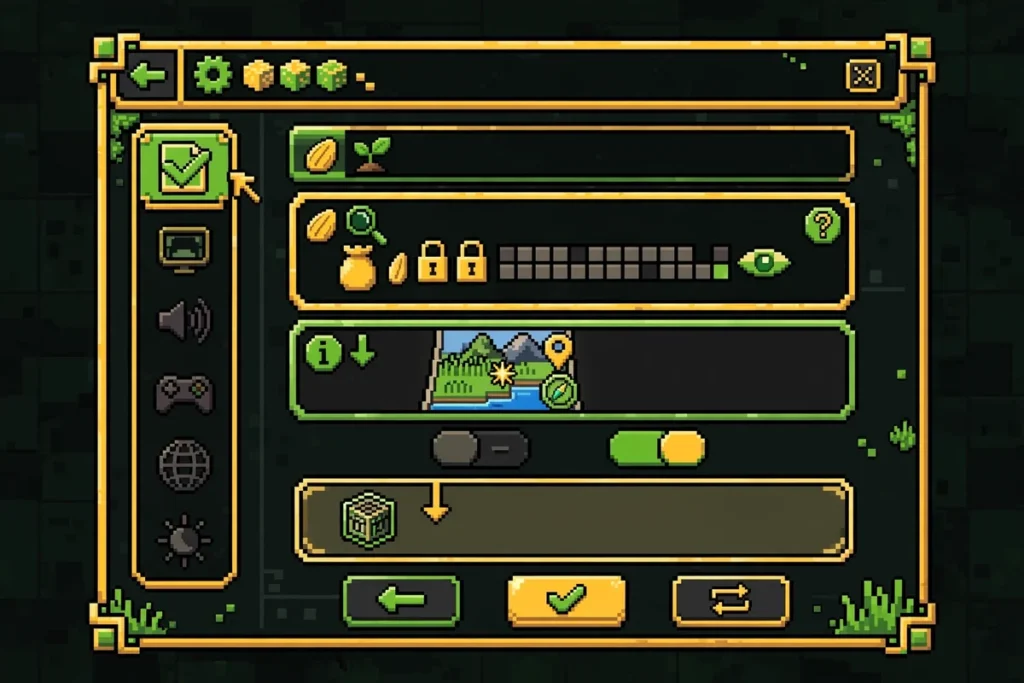
Short version: Java players type /seed in chat; Bedrock players read it in world settings. Servers and Realms need a few extra steps. Jump to your section.
What Is a Minecraft Seed?
A Minecraft seed is the starting number the game feeds its world generator. The same seed plus the same game version always builds the identical world — same biomes, same villages, same strongholds, same spawn point. Seeds look like long numbers (for example, 12345) but can also be plain words like “village,” converted to a number behind the scenes. Your seed lets you share a world, back it up, analyze it on a seed map, or regenerate the exact terrain anywhere.
Your world’s number is one of a finite set: how many seeds Minecraft can actually make works out exactly how big that set is.
How to Find Your Minecraft Seed on Java Edition
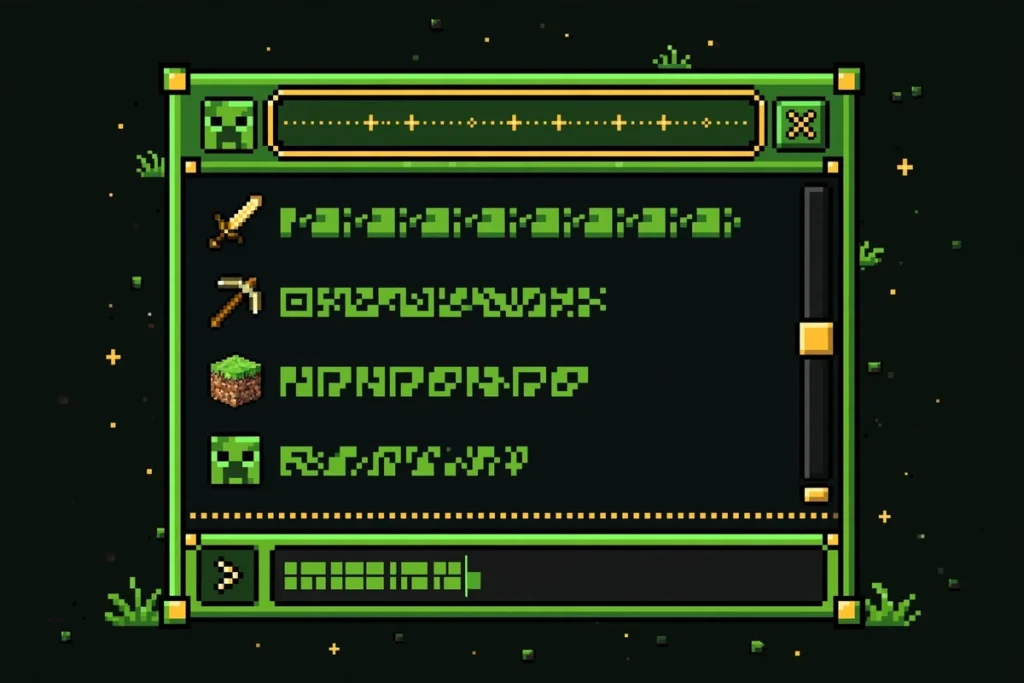
The /seed command is the fastest method:
- Open chat by pressing T.
- Type
/seedand press Enter. - The game prints the seed — click to copy it.
The catch: /seed needs cheats enabled in singleplayer, or operator status on a server. Cheats off? Pause, Open to LAN, set Allow Cheats: ON, run /seed, then save and quit — your world keeps its original setting.
Backup: the seed is also in the world’s level.dat file — open it with an NBT editor if the world won’t load.
How to Find Your Minecraft Seed on Bedrock
Bedrock players have it easiest — no command needed:
- In your world, open the pause menu and choose Settings.
- Scroll to the Game section.
- The seed is listed near the top.
No cheats, no permissions, no tricks — anyone who can open the world’s settings can see it, on every Bedrock platform including consoles. Note that /seed also exists on Bedrock but requires cheats, which permanently disables achievements — and since the seed is visible in settings anyway, the command is rarely worth it.
How to Find Your Minecraft Seed on a Server
Here it’s political, not technical. /seed works on servers exactly like singleplayer — but only for operators. Admins and owners: type /seed, done.
Regular players wondering how to find your minecraft seed on server worlds they don’t own have three honest options:
- Ask the staff. Most owners share the seed if asked — many advertise it openly. This is the reliable route.
- Check the host panel. Some hosts (Aternos is a common one) display the seed in the server control panel for anyone with panel access.
- Accept the limits. Without OP there is no legitimate in-game method. Seed-guessing tools exist but are slow, unreliable, and often against server rules.
Still stuck on how to find your minecraft seed on server networks? Check the website or Discord — many publish the seed there. With file access, it’s in server.properties under level-seed.
How to Find Minecraft Seed on a Realm
Owners: open Realm settings → world settings → Game tab — the seed is listed like any Bedrock world. On Java Realms, use /seed; you’re the operator by default.
Members: you can’t see it — ask the owner. No settings access, no seed commands. If you’re a member wondering how to find your minecraft seed, the owner has to share it.
The download workaround (owners only): download the world copy from the Realm, open it, and read the seed from its settings or via /seed. Delete the download afterward.
What to Do With Your Seed
Found it? Here’s the payoff:
- See your world from above. Paste the seed into the Minecraft seed map, pick your exact edition and version, and explore every biome, village, and structure without walking a block.
- Find what you missed. Toggle structure layers to locate the stronghold, the nearest ancient city, or the woodland mansion you never knew was 800 blocks away.
- Get a better world. If your seed disappoints, the seed finder searches millions of seeds for your wishlist match.
When sharing a seed, always include your game version — the same seed builds different worlds across versions. That’s the most common mistake after learning how to find your minecraft seed.
Frequently Asked Questions
Reading the number is half the job; using other people’s seeds is the other half. Here is getting hold of a world seed the easy way, from seed lists to world creation.
Go Get Your Seed
That’s every method for how to find minecraft seed numbers across Java, Bedrock, servers, and Realms. Grab your seed, drop it into the seed map, and see your world the way the generator sees it. Then read our guide to using the seed map to make the most of the view.