Minecraft End City Finder – Locate End Cities and Elytra Ships by Seed
A minecraft end city finder turns the outer End’s thousand-block void into a map. Killing the Ender Dragon is only the halfway point: the real prize – the elytra – hangs off an End Ship docked to an End City somewhere out there, with no roads, no signs, and no second chances. This tool plots every city and ship with coordinates before you ever throw an Ender Pearl.
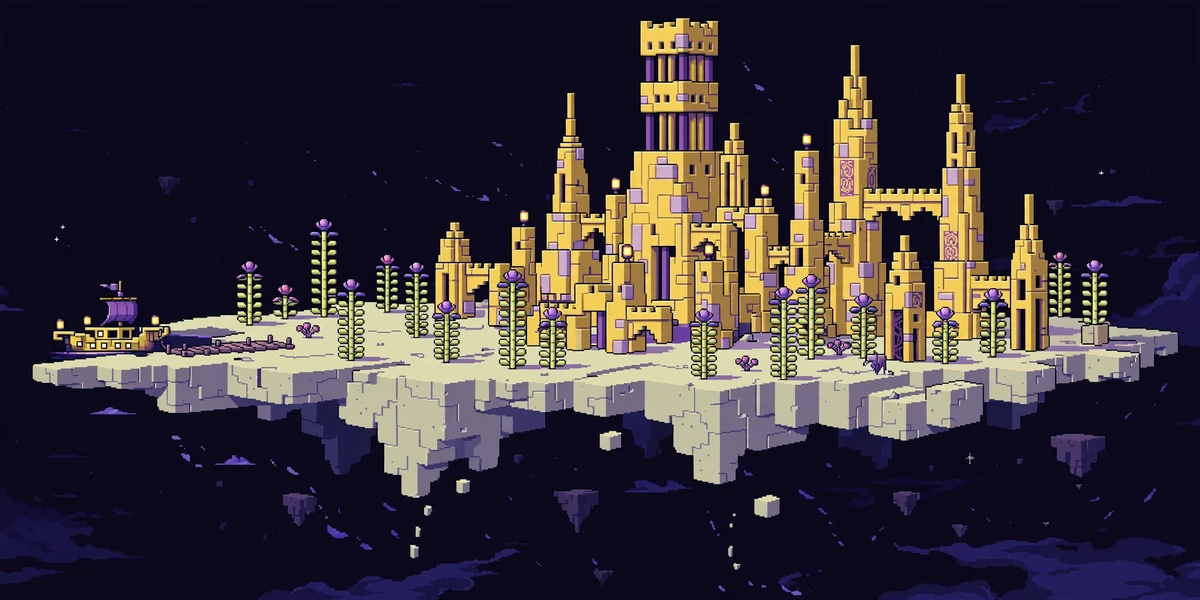
Try These Seeds in the Seed Map
Most players waste their first End trip wandering between empty islands. A minecraft end city finder ends that: the map means you cross the void once, in a straight line, to a city you already know has a ship.
What Is a Minecraft End City Finder?
A minecraft end city finder is a seed-based map tool that computes where End Cities generate in your world and plots them on an End map. End Cities generate only on the outer End islands – the ring of land beyond the thousand-block void that surrounds the central island. The tool shows each city’s coordinates and, crucially, marks which cities have an End Ship docked, because the ship is where the elytra hangs.
Players searching for a chunkbase end city finder will recognise the workflow: paste a seed, switch to the End dimension, read coordinates. This tool adds two things Chunkbase-style mapping does not: it can search for new seeds with a city-and-ship setup near the End gateway, and it runs the real Bedrock engine for Bedrock seeds. For the full comparison, see our Chunkbase alternative page.
How to Find an End City in 6 Steps
- Paste your seed – Enter your world seed in the seed box at the top of the seed map.
- Switch to the End – Use the dimension buttons to change from Overworld to End. The map redraws with End biomes: the End, small End islands, End midlands, End highlands and End barrens.
- Turn on the End City layer – In the Layers panel, make sure End City is switched on. In share links the layer travels as
s20in thelparameter, so a link can open the map with the city layer already active. - Look for the ship marker – In the minecraft end city finder, click any city marker to open its details card. Cities with a docked ship are labelled “Has an End ship (elytra)” – those are your targets. A city without a ship still has shulker loot, but no elytra.
- Note the gateway route – After the dragon dies, an End gateway portal appears on the central island. Throw an Ender Pearl into it to reach the outer islands, then travel toward your chosen city’s coordinates.
- Travel with blocks and pearls – Bridge with cheap blocks, carry Ender Pearls for gaps, and never look an Enderman in the eye. The void has no floor; one knockback without a pearl is a lost inventory.
The /locate Shortcut and the Small-Island Rule
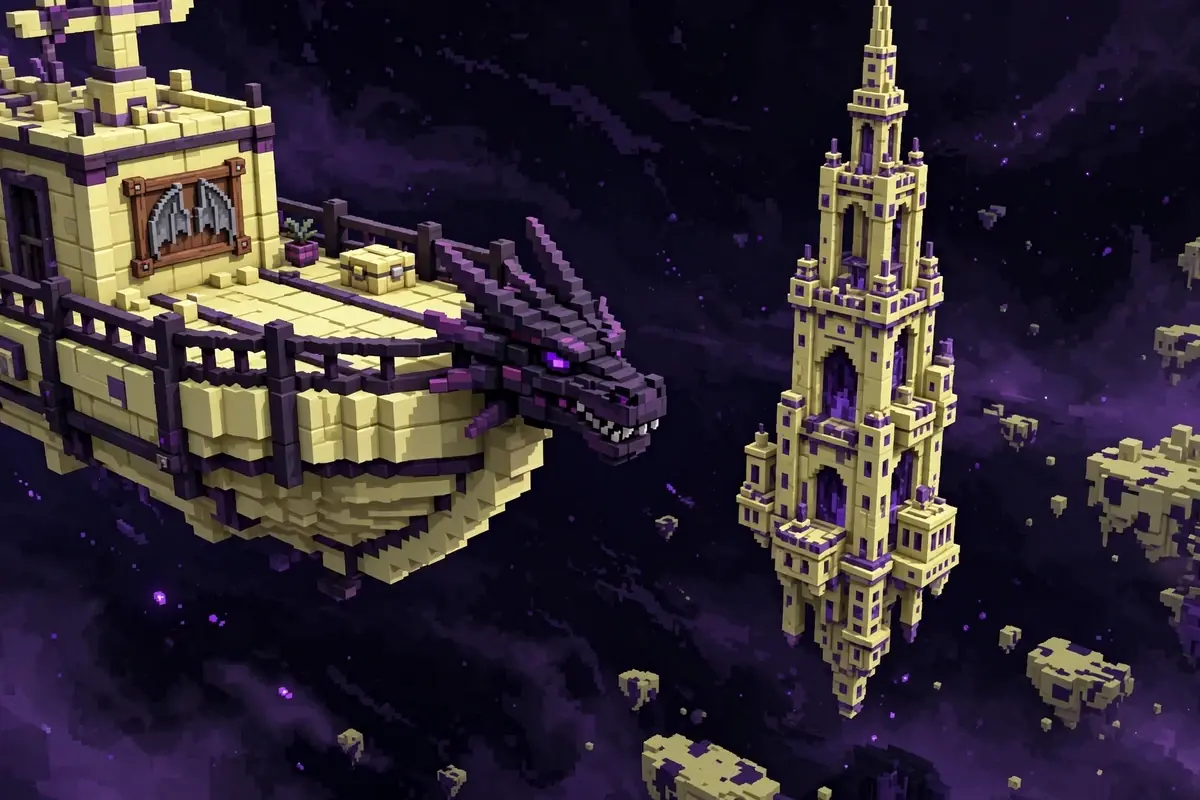
With cheats enabled, /locate structure minecraft:end_city returns the nearest city’s coordinates instantly – the same coordinates the map shows, without the map. In survival without cheats, the map above is the equivalent. Either way, skip the small islands: they hold nothing worth checking, and every bridge block spent on them is a block not spent reaching a city. One more way through the gateway: if throwing a pearl feels risky, a trapdoor lets you sneak into the gateway’s small opening instead.
Reaching the Outer End Islands
The End has two halves. The central island holds the dragon, the obsidian pillars and the exit portal. Everything else – every city, every ship, every elytra – sits on the outer islands, separated from the centre by roughly a thousand blocks of nothing. The minecraft end city finder – the minecraft seed map end city view – shows both halves at once, which is why it beats wandering: you can measure the gap before you cross it.
After the dragon dies, an End gateway generates on the edge of the central island. Throwing an Ender Pearl into the gateway teleports you to a random point on the outer islands, usually within a few hundred blocks of an island. From there, bridge island to island toward your chosen city. If you arrive on a small island with nothing on it, do not panic – the map already told you which direction the nearest city lies, and the Small End Islands layer shows every island you can hop across.
Veteran move: leave a trail. Place torches or a line of blocks along your bridge so the return trip is a walk, not a second expedition. And always carry a spare Ender Pearl in your hotbar – it is the only way back from a fall that does not end in the void.
End City Loot: What Is Worth the Trip
End Cities are the richest structure in the game, and the minecraft end city finder loot table below explains why players cross the void at all. Shulkers guard every room, and their levitation attack is the real danger – bring a water bucket or a slow-falling potion, and kill them from range. Inside, chests hold enchanted diamond gear, the best enchanted books in the game, and the End’s signature treasures.
| Loot | Where it is | Why it matters |
|---|---|---|
| Elytra | End Ship’s item frame | Flight – the single biggest upgrade in the game |
| Dragon head | End Ship’s bow | Trophy and decoration |
| Enchanted diamond gear | City chests | Mending, high-level enchantments |
| Shulker shells | Shulkers | Shulker boxes – portable storage |
| Purpur blocks and End rods | City walls and towers | Distinctive building materials |
The elytra is the point. One pair changes how you travel, build and explore for the rest of the world. Players hunting the best end city seed should open the minecraft end city finder and search for a seed where the first gateway lands near a ship-bearing city – and that is exactly what the seed search can look for: an End City with a ship within a short distance of the outer-island arrival zone.
End City Finder for Bedrock
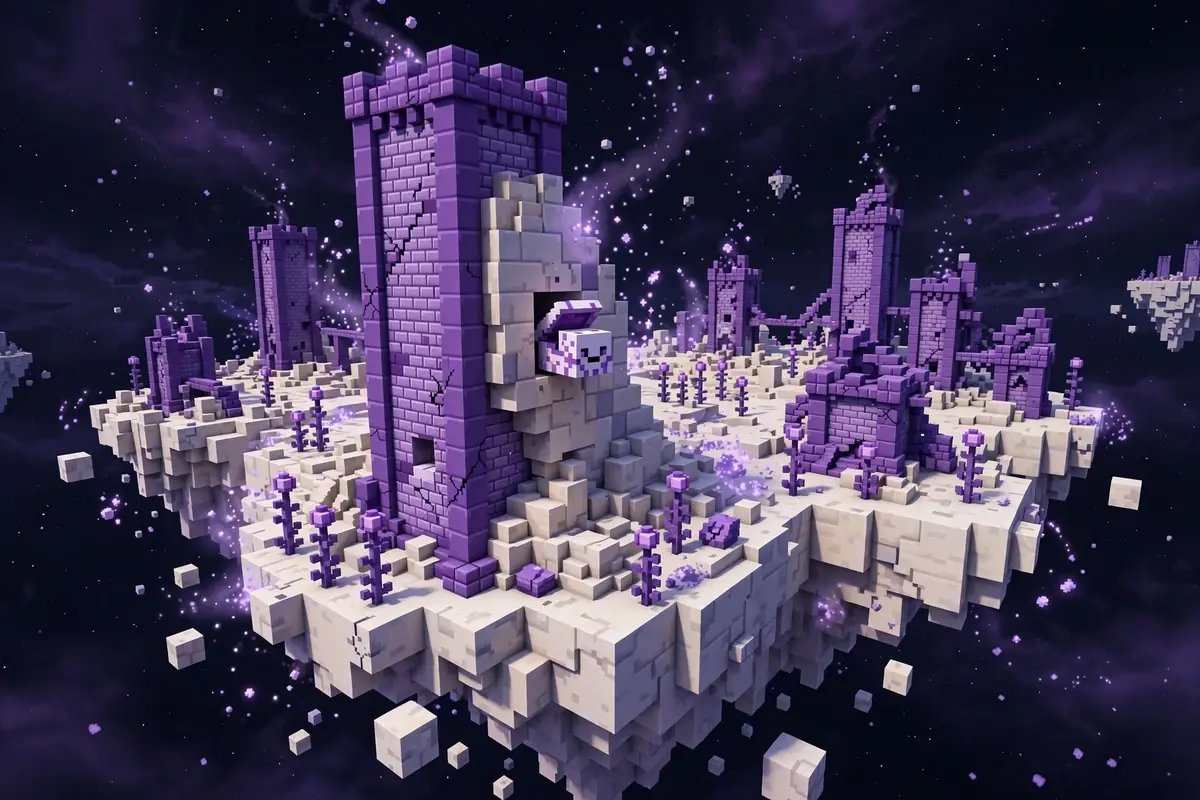
Bedrock players get the real Bedrock generator, not a Java map with the label changed. End City placement on Bedrock differs from Java, so matching your exact edition and version matters – select Bedrock in the version dropdown before reading coordinates. The minecraft end city finder workflow ports straight over from the chunkbase end city ship finder approach. Players who used the chunkbase end ship finder will find the same ship markers here.: paste a Bedrock seed, switch to the End, look for ship markers.
One honest note for elytra hunters: players searching for a chunkbase elytra finder are usually asking the same question – “which city has a ship?” The answer here is the details card on each city marker, which says plainly whether that city has a ship. If you are comparing with the chunkbase end city ship finder approach, the difference is that this tool can also search fresh seeds for ship-bearing cities rather than only mapping seeds you already have.
Cross the void once, with a destination. Paste your seed into the minecraft end city finder above, pick a ship-bearing city, and go collect your wings.
Minecraft End City Finder vs Chunkbase End City Finder
Players who search for a chunkbase end city finder already know the core workflow: paste a seed, read coordinates. The chunkbase end city finder maps seeds you already have, and it does that job well. Where this tool differs is seed search: unlike a chunkbase end city finder, this one can hunt for brand-new seeds with a ship-bearing End City near spawn. That search step is what a chunkbase end city finder leaves out – plus this tool runs the real Bedrock engine rather than a Java approximation, and flags ship-bearing cities in each details card. For the full side-by-side breakdown, see our Chunkbase alternative page, or browse every layer together in the finder hub.
Final Thoughts
End Cities reward the player who crosses the void once, with a destination. Check the ship flag before you bridge, pack pearls and blocks, and leave valuables at home – the void keeps whatever it takes.
If you arrived here searching for a chunkbase end city finder, you already know the workflow; the difference here is that you can also search for a fresh seed instead of settling for the world you have.
Cross the void once. Paste your seed into the minecraft end city finder on the seed map, pick a ship-bearing city, and go collect your wings. Then browse the finder hub or the best seeds to plan the rest of your world.