Minecraft End Gateway Finder – Locate End Gateways & Reach the Outer Islands
A minecraft end gateway finder answers the question every player asks after their first dragon kill: where do I go now? Killing the Ender Dragon opens a gateway – a small floating portal of bedrock and end gateway blocks – but the End is vast, dark, and empty, and the gateway is a tiny structure floating in the void. Paste your seed into the minecraft end gateway finder below and every gateway appears on the End map with coordinates, so you can fly or pearl straight to the outer islands instead of scanning the void.
Try These Seeds in the Seed Map
The outer islands are where the End’s real loot lives: End cities with elytra, shulkers, and enchanted diamond gear. The gateway is the door. Knowing where the doors are before you cross is the difference between a ten-minute trip and an hour of void-gazing.
What Is a Minecraft End Gateway Finder?
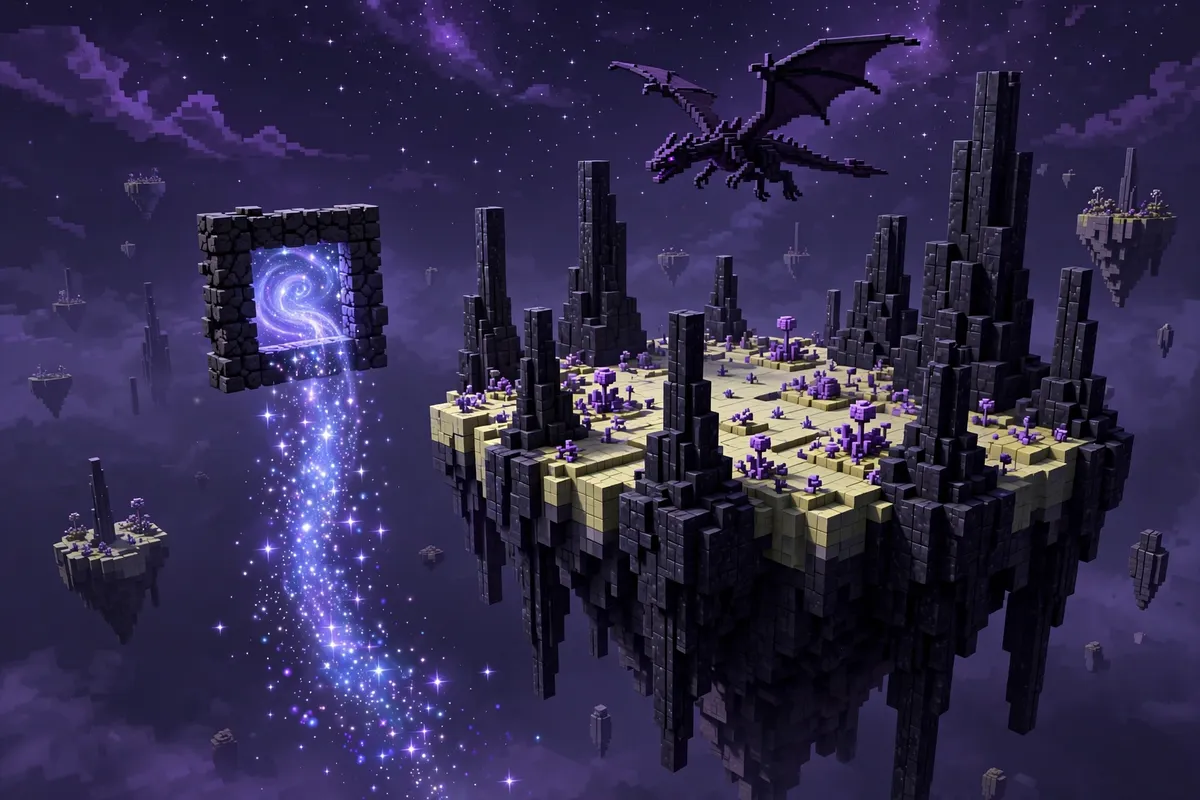
A minecraft end gateway finder reads your world seed and calculates where every End gateway generates, then plots each one on the End-dimension map with its coordinates. An End gateway is a small bedrock-framed portal that spawns in a ring around the main End island. Throw an ender pearl into it and you teleport to the outer End islands – the floating archipelago where End cities generate. Because gateway placement is decided by the seed, the same seed always produces the same gateways in the same spots, so the map is exact. Each gateway is a small bedrock frame around a single portal block, topped by a magenta beam – tiny against the void, which is why the map marker matters.
In the minecraft end gateway finder, the End Gateway layer shows each gateway on the seed map once you switch the dimension to End. Enter your seed, pick your edition and version, switch to the End dimension, and turn the layer on in the Layers panel. The tool covers Java 1.7–“26.3 and Bedrock Beta 1.7–“26.60 with the real generator for each edition.
One honest detail: gateways appear in-game as you kill the dragon – the first kill opens the first gateway, and further kills open more, up to twenty around the ring. The map shows where each gateway will appear, so you can plan the trip before the fight, not after it.
How to Use the Minecraft End Gateway Finder
- Paste your seed – Enter your world seed in the seed box on the seed map.
- Match your edition and version – Choose Java or Bedrock and your exact game version, since gateway placement differs between editions.
- Switch to the End dimension – Change the dimension selector to End. Gateway markers only render on the End map.
- Turn on the End Gateway layer – Open the Layers panel and switch on End Gateway. It is off by default because End markers are most useful once you have switched dimensions.
- Scan the ring – Zoom out from the main island and look for gateway markers in the ring around it in the minecraft end gateway finder. The Nearby panel lists the closest ones.
- Search for new seeds – Click Find seeds, then Add condition, choose Structure → End Gateway (End), and set a radius. Click Search for up to 100 matching seeds.
- Cross through – In-game, kill the dragon, throw an ender pearl into the gateway, and arrive on the outer islands. Bring blocks and food for the trip home.
If you are used to the chunkbase end gateway finder, the workflow here will feel familiar: paste a seed, see gateways. A chunkbase end gateway search answers the same question for an existing seed. The difference here is that you can also run a fresh seed search, and you can keep the End City layer on at the same time to see which gateway leads toward the richest islands.
How Gateways Connect the Main Island to the Outer Islands
The End has two parts, and the gateway is the only safe bridge between them:
| Area | What is there | How you get there |
|---|---|---|
| Main End island | Obsidian pillars, the exit portal, the dragon fight | The portal from your stronghold |
| The gateway ring | Up to 20 gateways floating in the void around the main island | They appear as you kill the dragon |
| Outer End islands | End cities, chorus fruit, shulkers, elytra | Ender pearl through a gateway, then bridge or fly |
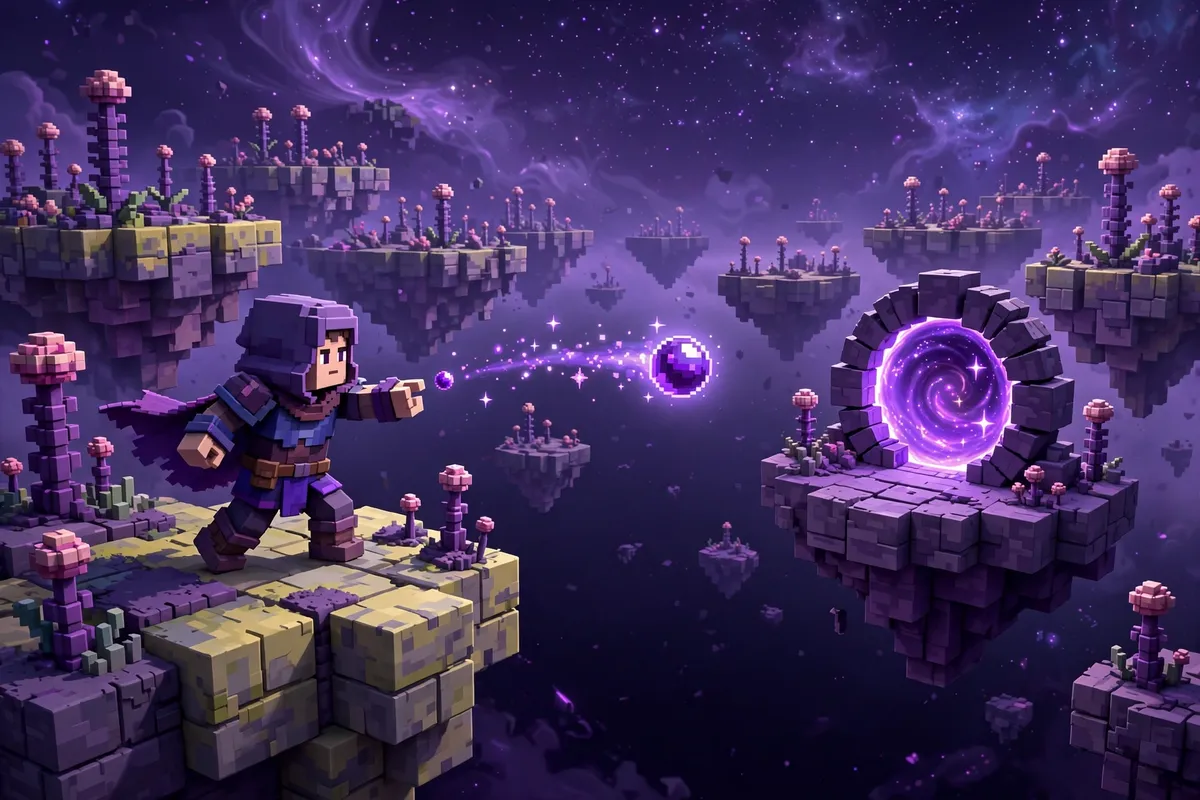
The minecraft end gateway finder shows you every gateway in the ring, so you can compare landing areas before choosing. Each gateway links to a matching exit gateway on an outer island. The pairing is fixed by the seed: the gateway you enter decides which island you land on. Those exit gateways generate with the world on the outer islands, so the map can show both ends of each trip before you cross. That is why the map matters – a gateway on the far side of the ring may drop you near an island cluster with several End cities, while another may drop you on a barren rock. Check the End City layer around each gateway’s landing area before choosing which one to cross.
Practical advice for the crossing: throw the pearl, not yourself. Ender pearls pass through gateways; players who jump in fall into the void. If you are short on pearls, there is a second way in: crawl through the gateway’s opening with a trapdoor – the gap is one block tall, so the trapdoor trick that lets you crawl also lets you slip through. Pearls are still the standard method; the trapdoor route is the backup when pearls run out. Bring a stack of blocks, an ender chest, and food. If you have an elytra already, the return trip is a glide. If this is your first crossing, the gateway nearest your exit portal is the safest choice – it is the shortest flight back.
Gateways, End Cities, and the Elytra Run
The gateway is only the beginning; the elytra is the goal. An efficient End trip with the minecraft end gateway finder looks like this:
- Kill the dragon and locate the first gateway on the map.
- Pearl through it and survey the outer islands nearby for End cities – the Minecraft structure finder End City layer shows them on the same map.
- Loot End cities for elytra, shulker shells, and enchanted diamond gear.
- Use the elytra to fly between island clusters, checking each gateway’s landing area as you go.
A chunkbase end gateway finder result for the same seed shows the same gateways; the End City layer is what turns a ring into a route.
If you have not reached the End yet, start with the Minecraft stronghold finder to locate your End portal, and read the guide on how to find a stronghold in Minecraft. The Minecraft seed finder can also search for seeds with a stronghold near spawn, shortening the whole journey from day one to dragon fight.
End Gateway Finder for Bedrock
In the minecraft end gateway finder, Bedrock End gateways generate through the real Bedrock generator in this tool, not a Java approximation. Paste your Bedrock seed, switch the edition dropdown to Bedrock, and pick your version. Switch the dimension to End, turn on the End Gateway layer, and the markers update to match Bedrock generation. The seed search works the same way – add an End Gateway condition and search.
A chunkbase end gateway finder check on Bedrock follows the same steps – paste a Bedrock seed, switch to the End dimension – with this tool running the genuine Bedrock generator.
One Bedrock note: End mechanics and structure placement have shifted across versions, so always match the exact version you play on. The version dropdown covers Bedrock Beta 1.7 through 26.60.
Chunkbase End Gateway Finder vs This Tool
A chunkbase end gateway finder search and this tool start the same way: paste a seed, switch to the End dimension, see gateway markers. The difference is the planning around the crossing. A chunkbase end gateway finder check shows the ring; this tool keeps the End City layer on the same map, so you can judge which gateway’s landing area sits near the richest islands before you throw a pearl. Either map shows the same ring – the dragon still has to be beaten before the gateways open, whichever one you use.
End Gateway Finder vs Wandering the Void
The alternative to a finder is flying blind in the void – the most dangerous exploration in the game, where one wrong turn means falling forever with your best gear. The minecraft end gateway finder removes that risk: every gateway in the seed, with coordinates, before you throw a single pearl. For an existing survival world without cheats, pasting the seed is the only practical way to map the ring.
When you are done in the End, pair the minecraft end gateway finder with the full set of tools on the finders hub, and the Minecraft seed finder can search for End-friendly seeds from scratch. Prefer a ready-made world? The best Minecraft seeds collection includes survival-friendly spawns worth checking for a nearby stronghold.
Final Thoughts
The End rewards players who cross with a plan. Pick the gateway whose landing area sits near island clusters, bring pearls and blocks, and the outer islands stop being a void-gazing trip and become a loot run.
If you came here from a chunkbase end gateway finder search, the workflow will feel familiar – paste a seed, see the ring – with the End City layer as the extra that turns a ring into a route. Open the seed map, switch to the End dimension, and try the minecraft end gateway finder on your own world: beat the dragon, pick your gateway, and cross with a destination.