How to Find Structures in Minecraft: Every Method That Works
How to find structures in Minecraft is the difference between wandering and hunting. A village on the horizon is luck; a stronghold 1,200 blocks away, exactly when you need blaze rods, is planning. There are four real ways to do it, from a single command to a full map of your world.
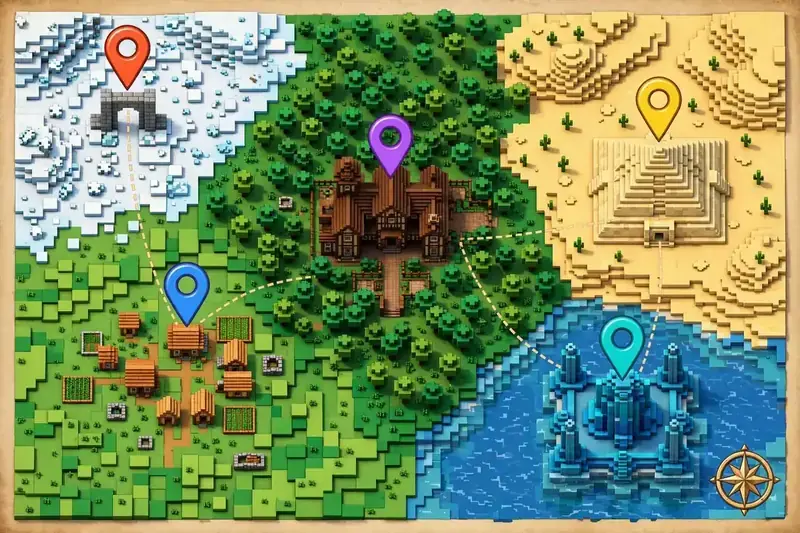
Try These Seeds in the Seed Map
The method you pick depends on one question: do you want the nearest structure, or the whole picture? A command answers the first. A seed map answers the second. Explorer maps and cartographers sit in between. Here is all four, with the exact commands and trade-offs. This guide covers how to find structures in Minecraft four ways, so you can pick the one that fits your world and your rules.
What Counts as a Structure?
Structures are the game’s pre-built landmarks: villages, temples, witch huts, igloos, ocean monuments, woodland mansions, pillager outposts, shipwrecks, ancient cities, trial chambers, strongholds, Nether fortresses, bastions, and End cities. They generate with the world, fixed by its seed – which is why every method below either asks the game where they are or reads them from the seed. That seed connection is the key to how to find structures in Minecraft at scale: one number unlocks the whole map.
Loot varies wildly between them. If your question is really which Minecraft structure has the best loot, the short answer is End cities (elytra) and ancient cities (enchanted gear, music discs), with trial chambers and woodland mansions close behind for combat loot. But the best loot is the loot you can actually reach, so start with whatever is nearest. Some structures are rare by design: only 128 strongholds generate per world, and woodland mansions appear only in dark forests, often far from spawn – which is why the targeted methods below beat wandering.
Method 1: How to Locate Structures in Minecraft With the /locate Command (Fastest for One Structure)
The /locate command asks the game for the nearest structure of a type and prints its coordinates. It is the best way to find structures in Minecraft when you know what you want and just need directions. If you searched for how to locate structures in Minecraft, this command is the direct answer. Players often call this the Minecraft find structure command, but its real name is /locate structure.
Requirements: cheats enabled in single-player (or OP on a server). On Bedrock, enabling cheats disables achievements in that world. On Java, you can also open a single-player world to LAN with cheats on as a one-time workaround.
Java syntax:
` /locate structure minecraft:village `
Bedrock syntax:
` /locate structure village `
In both editions, the game autocompletes the structure name as you type, so if you are unsure of the exact name, type the first few letters and pick from the list. Players who search how to locate structures in minecraft bedrock should note one more difference: Bedrock uses plain names like village and temple, not Java’s minecraft: namespaced ones. Whether you type it singular or plural, how to locate structure in minecraft bedrock is the same /locate structure command. The command returns coordinates in the form “The nearest village is at [X, Y, Z]”. Travel or teleport with /tp to get there. For a single target, the command is how to find structures in Minecraft at its fastest.
One more rule: you must be in the right dimension for the structure you are hunting – a fortress will not be found from the Overworld, and an End city will not be found from the Nether. The sister command /locate biome works the same way for biomes (Java: /locate biome minecraft:desert; Bedrock: /locate biome desert).
Common structure names:
| What you want | Java | Bedrock |
|---|---|---|
| Village | minecraft:village | village |
| Stronghold | minecraft:stronghold | stronghold |
| Ocean monument | minecraft:monument | monument |
| Woodland mansion | minecraft:mansion | mansion |
| Desert temple | minecraft:desert_pyramid | temple |
| Jungle temple | minecraft:jungle_pyramid | temple |
| Witch hut | minecraft:swamp_hut | witchhut |
| Ancient city | minecraft:ancient_city | ancient_city |
| Trial chambers | minecraft:trial_chambers | trial_chambers |
| Nether fortress | minecraft:fortress | fortress |
| Bastion remnant | minecraft:bastion_remnant | bastionremnant |
| End city | minecraft:end_city | endcity |
Two things /locate cannot do: it cannot find structures in a world where cheats are off, and it finds only the nearest one – if that stronghold sits under an ocean, it will not offer you a better one. That is where the next method wins.
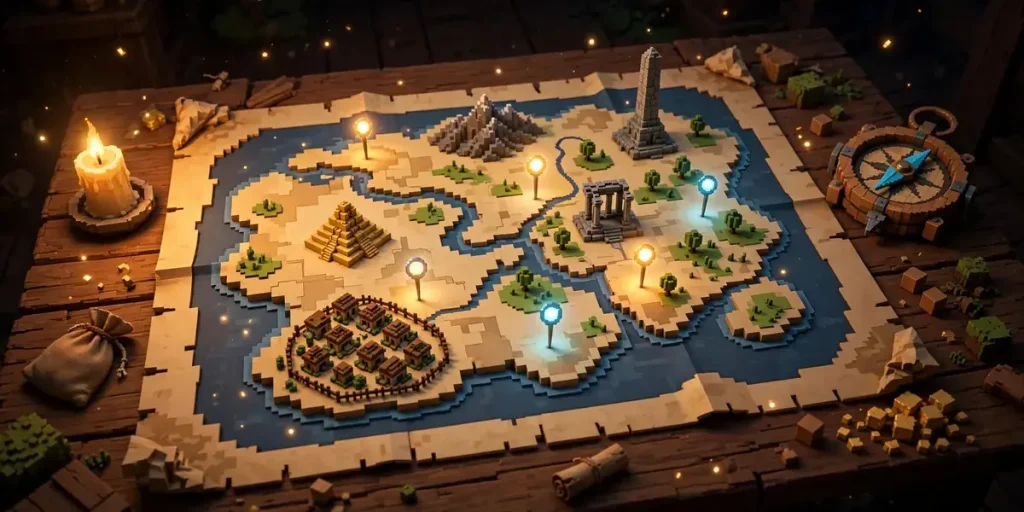
Method 2: How to Find Structures in Minecraft With Seed Data – A Seed Map (Best for the Whole World)
If you know your world’s seed, a seed map shows you every structure at once instead of one at a time. Paste the seed into the seed map, pick your edition and version, and the map draws villages, temples, monuments, strongholds, and more across the entire world. Click any marker for its exact coordinates. If you want to know how to find structures in Minecraft without typing a command for every single one, this is the method. That is how to find structures in minecraft with seed data in its most useful form: every structure, one screen, before you log in. If you want one structure type in particular, the finder hub has a dedicated page for each, and if you need a biome first, the biome finder shows it.
This is seed-knowledge hunting at scale, and it is the method speedrunners and builders use to plan routes before they ever log in. Want the closest stronghold with a village beside it? The map shows both in one glance. Want to compare three monument candidates and pick the one nearest a shipwreck? Same screen. That is how to find Minecraft structures with seed data, and how to find any structure in Minecraft when you already know the seed.
It also answers how to find structures in Minecraft with seed data when /locate is not an option – for example, on a server without OP, where you know the seed but cannot run commands. If you do not know your world’s seed, see our guide on how to find your Minecraft seed.
Method 3: Explorer Maps (Survival-Friendly, No Cheats)
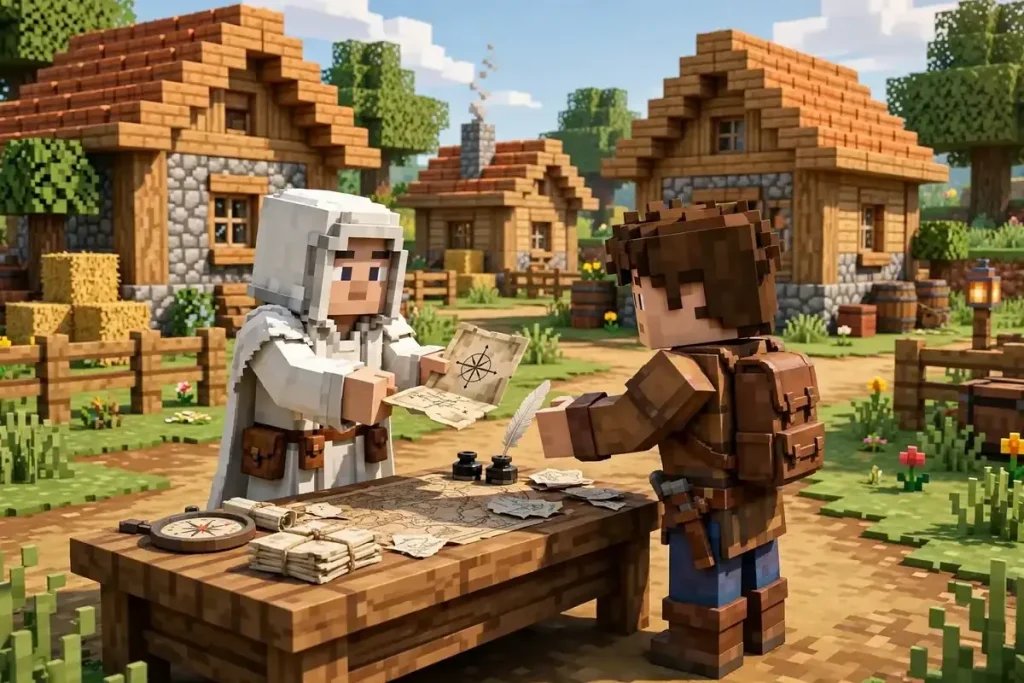
Explorer maps are the in-game, no-cheats route to specific structures. You buy them from cartographer villagers – the ones in white robes with the compass-like badge – and each map points to one structure type:
- Ocean explorer map → ocean monument
- Woodland explorer map → woodland mansion
- Trial explorer map → trial chambers
To get one:
- Find a village and locate its cartographer (or place a cartography table next to an unemployed villager to create one).
- Trade with the cartographer until it offers the explorer map you want – this takes several trades, and the map costs emeralds plus a compass.
- Hold the map and follow the marker: the map fills in as you travel, and a small icon marks the structure.
Explorer maps only cover three structure types, and they point to one specific structure each – you cannot choose which one. But they work in pure survival with no cheats, no seed, and no commands, which makes them the legitimate route on achievement-focused worlds and multiplayer servers. For achievement hunters, explorer maps are how to find structures in Minecraft without ever touching a command.
Method 4: Explore With a Plan (No Tools at All)
Without commands, maps, or a seed, you still have the game’s own clues:
- Villages sit in plains, savanna, desert, taiga, and snowy plains – scan those biomes from high ground or by boat along rivers.
- Shipwrecks and ocean ruins dot every ocean; sail coastlines and watch for masts and shapes under the water. Ocean monuments betray themselves as dark patches in deep water, and you can hear a low humming sound when you swim near one underwater.
- Pillager outposts give themselves away with a tall watchtower visible from far across flat ground – if you spot an unnatural tower on the horizon, it is usually an outpost.
- Desert temples are visible from far away on flat desert; jungle temples hide in dense jungle, so look for mossy cobblestone poking through the canopy.
- Strongholds cannot be found by wandering efficiently. The intended route is Eyes of Ender: throw one, follow where it flies, and it leads to the nearest stronghold’s portal room. See our full guide on how to find a stronghold in Minecraft for that hunt in detail.
Exploring blind is slow, but it is also how most players first meet the game. If the wandering stops being fun, switch to one of the three methods above – there is no prize for suffering. Blind exploring is the slowest way to learn how to find structures in Minecraft, and that is fine – it is also the most surprising. Exploring blind is how to find structures in Minecraft the slow way – fun once, inefficient forever.
Which Method Should You Use?
| Method | Needs | Finds | Best for |
|---|---|---|---|
/locate command | Cheats / OP | Nearest of one type | One structure, right now |
| Seed map | The seed | Every structure at once | Planning routes, comparing options |
| Explorer maps | Emeralds + a cartographer | One monument / mansion / trial chamber | Survival, no cheats |
| Eyes of Ender + exploring | Nothing but gear | Strongholds, anything visible | Blind exploration, first playthrough |
For most players, the best way to find structures in Minecraft is the seed map for planning plus /locate for confirmation in-game. One shows you the world; the other proves it. Between them, they cover almost any situation. That is the efficient way to work: plan on the map, confirm in-game.
Final Thoughts
If you searched how to locate structures in minecraft and just need one structure now, /locate is the answer. For planning, how to find structures in minecraft with seed data on a seed map beats every other method – one screen, every structure, before you log in.
And whichever method you pick, how to find structures in Minecraft gets easier the moment you stop wandering and start hunting. Open the seed map to plan your route, browse the finder hub for a dedicated page per structure, start from one of the best Minecraft seeds, or keep learning in the guides hub – and let the Minecraft Seed Finder home page show you what is waiting.