Minecraft Structure Finder – Find Every Structure by Seed (Java & Bedrock)
A minecraft structure finder that reads your world seed is the difference between wandering for hours and walking straight to the loot. Every structure — the stronghold, the ancient city, the nether fortress — is placed by math, not luck. Paste the seed, and the best-known structure finder for minecraft players does the math for you.
This tool maps all 22 structure types across the Overworld, Nether, and End for your exact game version — every marker on one map with exact coordinates and a copy-paste teleport command. That’s the job of a minecraft structure finder.
What Is a Minecraft Structure Finder?
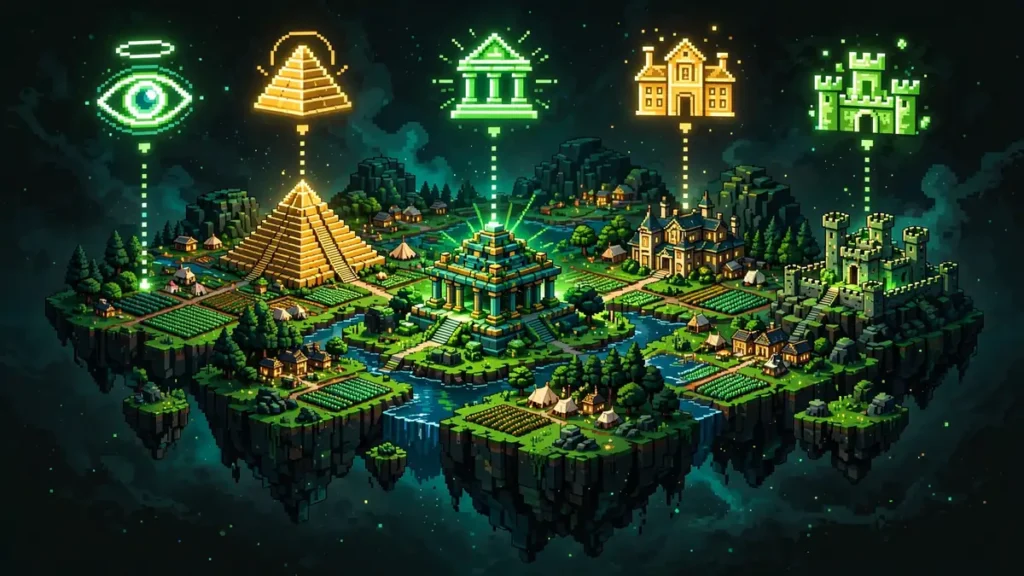
A minecraft structure finder takes your world’s seed and shows you where every structure generated. As a minecraft world structure finder, it works on any world whose seed you know — singleplayer, servers, or realms. Enter the seed, pick your edition and version, and the map fills with markers. Click any marker for exact X/Z coordinates or a copy-paste teleport command.
It works because Minecraft generates structures from the seed with a fixed algorithm, and the tool runs that algorithm in your browser — no cheats, no mods, no server access. This is how to find structures in minecraft with seed only: no world download, no cheats. Players migrating from a chunkbase structure finder will feel at home: seed in, version picked, layers toggled.
How to Use the Minecraft Structure Finder
Every structure finder in minecraft communities gets the same five-minute tutorial. The short version:
- Get your world seed — On Java, press T and type
/seed. On Bedrock, copy it from the Game tab in world settings. - Enter the seed above — Paste it into the seed box. It’s the classic minecraft structure finder with seed workflow: seed in, markers out.
- Match your version — Select Java or Bedrock, then your exact game version (Java 1.7–26.3, Bedrock Beta 1.7–26.60). Placement changes between versions, so this step decides your accuracy.
- Turn on structure layers — Open the layers panel and toggle what you want. 22 layers; the popular ones (villages, strongholds, fortresses) are on by default.
- Pan and zoom — Markers are pixel-art icons. Zoom in to separate nearby structures; hover any icon for name and coordinates.
- Copy coordinates — Click a marker for exact X/Z, or “Copy /tp” to teleport there with cheats on.
- Switch dimensions — The dimension toggle shows Nether structures (fortresses, bastions) and End structures (end cities).
Prefer a targeted scan over the full seed map? Click Find seeds, hit Add condition, choose a Structure, set the radius slider (50 to 3,000 blocks from spawn), and press Search.
Every Overworld Structure, Layer by Layer
Like any good chunkbase structure finder, each structure gets its own toggleable layer — but with 22 types instead of a dozen:
Villages — Trading and iron farms. Pair the layer with desert pyramids or pillager outposts to plan early-game routes.
Strongholds — Three rings of 128 on every Java seed. Pick the closest to your base instead of burning Eyes of Ender.
Ancient cities — Buried under deep dark at Y -51. Marked before you dig a single tunnel — one wrong turn means a Warden.
Trial chambers — Copper-and-tuff combat structures, 1.21+. Set your version dropdown correctly or the markers lie.
Woodland mansions — Rare and distant; totems and allays inside. Zoom out to see how far the nearest one is.
Mansions are rare enough to deserve their own tool, so the map has one: the woodland mansion locator on the seed map plots every mansion for your seed before you set off.
Ocean monuments — Guardians mean sponges and prismarine. Add the ocean ruin layer for a complete sea-loot map.
Desert pyramids, jungle temples, swamp huts, igloos — Early-game loot, each with its own layer. Temples and huts are version-sensitive; igloos hide basements.
Temples are easier to enjoy when the world starts in the jungle: jungle starts with temples, bamboo and melons put the bamboo, melons and pyramids in reach from spawn.
Pillager outposts, ocean ruins, shipwrecks, ruined portals, buried treasure, mineshafts, desert wells, amethyst geodes, trail ruins — The smaller structures, toggleable individually.
No mod install, no client-side mod, no resource pack — everything runs in the browser, which is why players looking for a minecraft structure finder mod or resource pack usually switch once they try the web version. The same convenience a chunkbase structure finder is known for, with wider version coverage.
Nether & End Structures
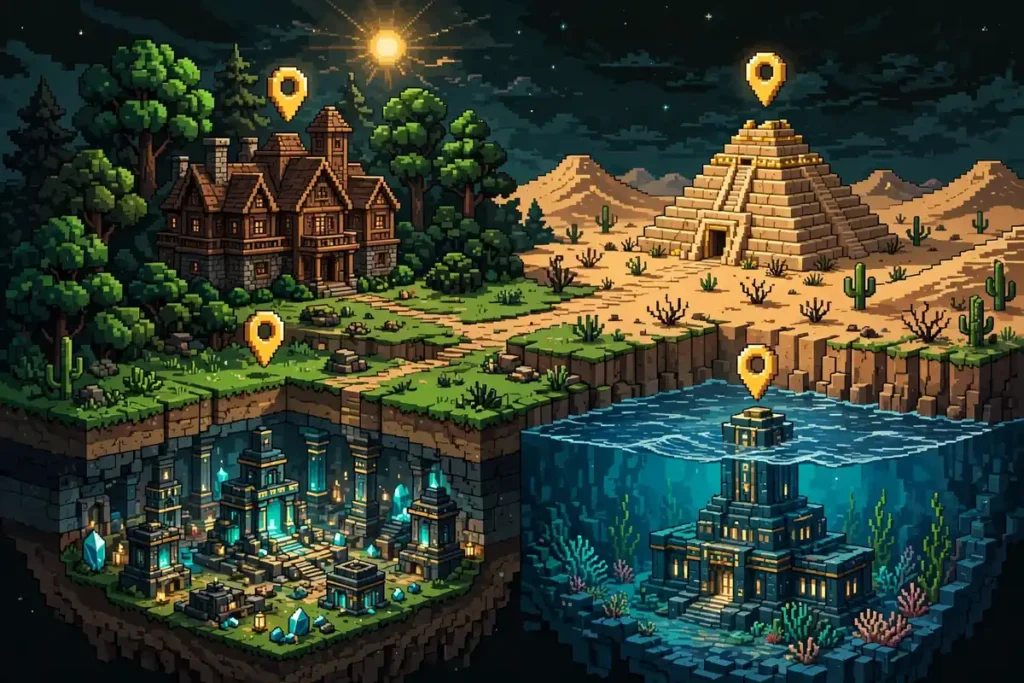
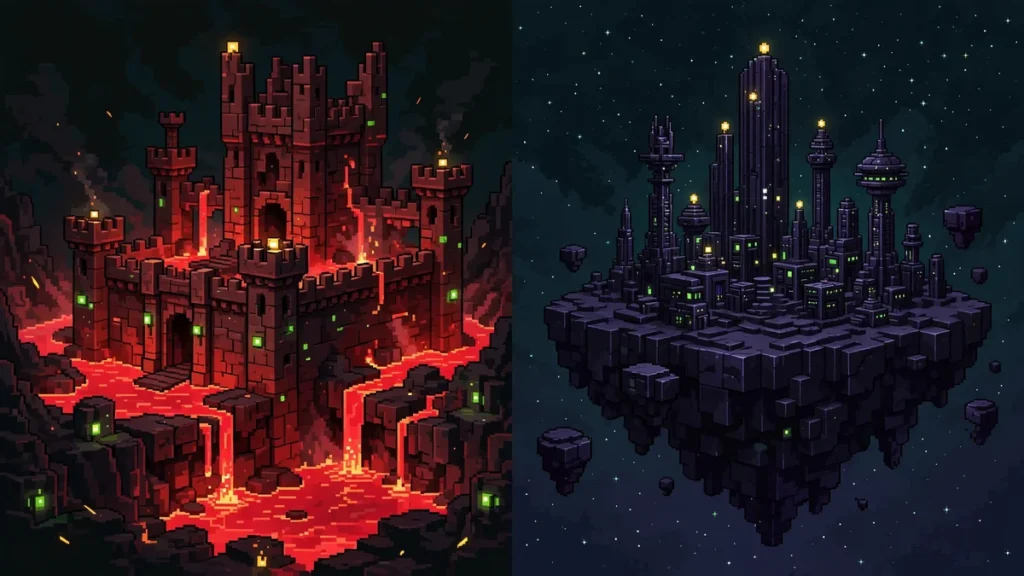
Two dimension toggles complete the picture. In the Nether view, fortress and bastion layers show every spawn — critical for blaze rods and netherite scouting; ruined portals appear in both Overworld and Nether views. In the End view, end city and end gateway markers turn elytra runs into planned trips.
One note: on Bedrock, fortress generation differs from Java, so the Bedrock engine handles those coordinates separately. Select Bedrock Edition before trusting any Nether marker.
Minecraft Structure Finder for Bedrock
Bedrock players need a tool that runs the real Bedrock generator — this one does. Judging the best structure finder minecraft bedrock options comes down to three things: a real Bedrock generator, deep version history, and no seed upload. All 30 Bedrock versions from Beta 1.7 through 26.60 are covered, with coordinates that match your game: villages, pillager outposts, ancient cities, trial chambers, strongholds, nether fortresses, bastions, end cities.
One quirk: a few structure types use different internal IDs on Bedrock than Java, and the tool translates them at the engine boundary. Coming from a chunkbase structure finder (or a chunkbase bedrock structure finder)? Coverage here goes back to Beta 1.7, not just 1.16.
Structure Finder vs the /locate Command
Players often ask what is the command to find structures in minecraft: it’s /locate structure — full form /locate structure minecraft:ancient_city. It finds the nearest structure to your position, but needs cheats enabled and answers only one structure at a time. This tool answers a bigger question: where are ALL of them? The popular chunkbase structure finder works the same way: seed in, markers out, no cheats.
| /locate command | Minecraft Seed Finder | |
|---|---|---|
| Cheats required | Yes | No |
| Structures per query | 1 | All 22 at once |
| Works from any seed | No (only loaded world) | Yes |
| Cost | Free | Free |
For survival players who keep cheats off — or anyone planning a base before they even spawn — the finder wins. For a quick mid-game check with cheats on, the in-game /locate structure command is fine.
Frequently Asked Questions
Rather than trek to a mansion in a random world, spawn next to one: these mansions sitting close to spawn, ready to raid put the raid on your first day.
Commands give you one structure at a time. pinpointing any structure straight from the seed shows the map-based method that reveals every structure around you at once.
Start With the Nearest Village, Not the Farthest Walk
Drop your seed in the minecraft structure finder above and see what your world is hiding — the village 300 blocks away you never knew about, the fortress on your nether spawn, the ancient city under your starter base. Plan the route first, then play. For brand-new worlds, try the Minecraft seed finder or browse best Minecraft seeds.