Minecraft Slime Chunk Finder – Map Slime Chunks for Your Farm (Java & Bedrock)
A minecraft slime chunk finder tells you which chunks spawn slimes — one chunk in ten does, and this tool maps every one.
The difference between editions matters here: on Java, slime chunks depend on your seed, so you enter it. On Bedrock, slime chunks are identical in every world — no seed needed at all. Either way you get exact chunk coordinates, ready for a farm build.
What Is a Minecraft Slime Chunk Finder?
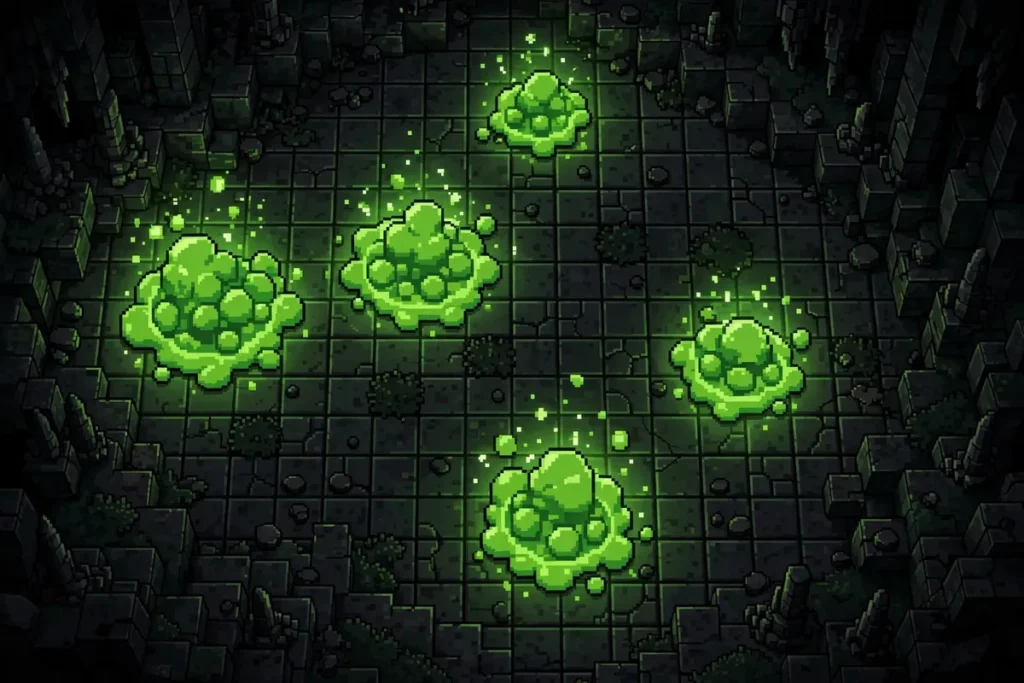
A minecraft slime chunk finder maps the chunks in your world where slimes can spawn underground. Roughly 10% of all chunks are slime chunks, chosen by a fixed formula: on Java Edition the formula uses your world seed, on Bedrock Edition it ignores the seed entirely and the same chunks are slime in every world. If you’ve used the chunkbase slime finder before, the workflow is familiar — the difference here is a live map instead of a static image.
The tool recreates that formula in your browser and paints matching chunks as a green overlay on the seed map. Zoom into your base area, read the chunk coordinates, and you know precisely where slimes will spawn below Y=40.
How to Use the Minecraft Slime Chunk Finder
From seed to farm site in about a minute — the routine matches how to use chunkbase to find slime chunks, minus the static image:
- Enter your seed (Java only) — Press T in-game and type
/seed, then paste it into the seed box. On Bedrock you can skip this — slime chunks are seed-independent there. - Set your edition and version — Pick Java or Bedrock and your exact game version (Java 1.7–26.3, Bedrock Beta 1.7–26.60).
- Turn on the Slime chunks layer — Open the layers panel and toggle Slime chunks. The minecraft seed map slime chunk overlay draws matching chunks as a green checkerboard. If you already know how to use chunkbase slime finder, this step is the equivalent of its slime toggle — except the map stays live and zoomable.
- Zoom in — The overlay renders when you zoom close. Pan to your base or mining area — the green squares are easier to scan than any chunkbase slime finder grid.
- Read the chunk coordinates — Hover or tap a green chunk to get its exact chunk coordinates and block range.
- Mark it in-game — Press F3 + G to display chunk borders, walk to the coordinates, and confirm you’re standing in the green square.
- Dig down — Slime chunks pay off below Y=40. Excavate spawning platforms in that range and your farm site is ready.
Want slime chunks near a specific spot? Click Find seeds in the toolbar, hit Add condition, choose a Structure layer like Slime chunks, set the radius slider (50 to 3,000 blocks from spawn), and press Search to find seeds with slime chunks exactly where you want them.
Minecraft Slime Chunk Finder: Java vs Bedrock
This is the section most slime guides get wrong:
Java Edition — seed-dependent. Your slime chunks are computed from your world seed. Change the seed, the green chunks move. Without your seed, the map is meaningless.
Bedrock Edition — seed-independent. Bedrock computes slime chunks from chunk coordinates alone, with the seed playing no part. Chunk (3, -11) is a slime chunk in your world, your friend’s world, and every Bedrock world ever generated. No seed entry required.
Because of this, a minecraft slime chunk finder must know your edition before it draws a single square. This one does — select Bedrock and it skips the seed entirely. Compared against a chunkbase slime chunk finder or the classic chunkbase slime finder, expect the same Java results: the math is the game’s own formula. On Bedrock, any correct tool agrees with every other, because there’s only one answer.
Slime Farm Building Tips
Found your chunk. Now make it pay:
Dig at the right depth — In slime chunks, slimes spawn below Y=40 regardless of light. Carve 3-block-tall platforms between Y=6 and Y=39; stacked platforms multiply your rates.
Kill the competition — Slab or light up caves within 128 blocks of your AFK spot so other mobs don’t steal spawn chances. Slimes ignore light, so a lit farm loses nothing.
Stand in the sweet spot — AFK 24+ blocks from the platforms (nothing spawns closer) but within 128 (beyond that, despawns). Build your waiting room accordingly.
Automate the kill — Iron golems on a pillar lure slimes toward your collection point; water streams funnel them into magma blocks. Big slimes split into smaller ones, so give the killing chamber headroom.
Swamp vs slime chunk? — Swamps spawn slimes on the surface at night, but only at light level 7 or less. A slime-chunk farm works around the clock, underground, in any biome — and the live overlay lets you compare candidate chunks side by side. For serious slimeball production, the chunk wins every time.
Reading Chunk Coordinates
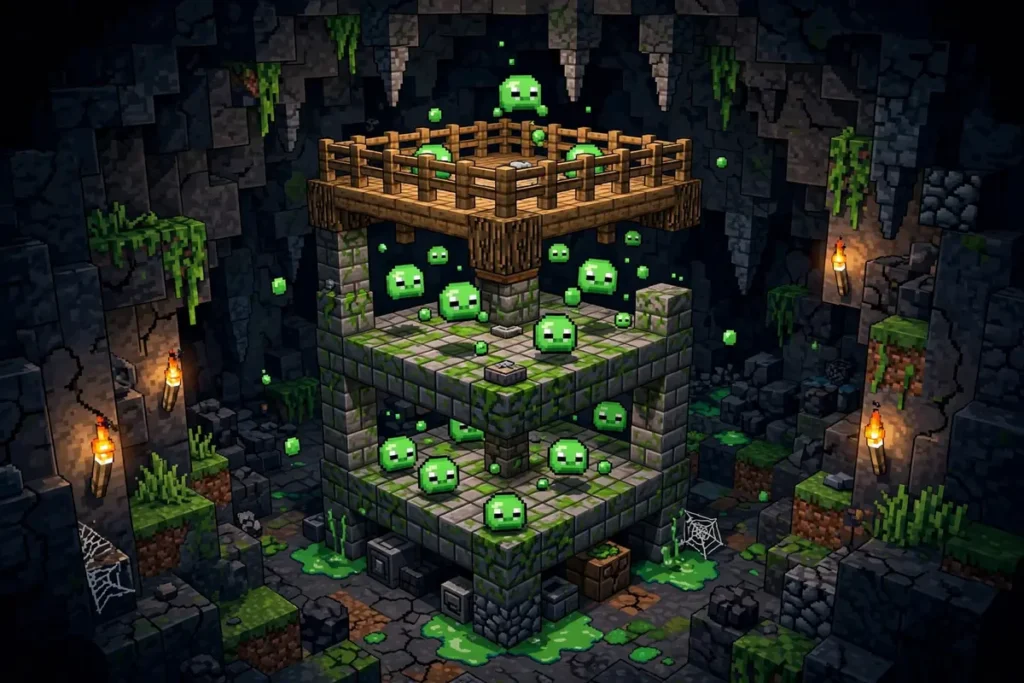
A chunk is a 16×16 column of blocks — the game’s fundamental grid. Slime chunks are chunk-level, so block coordinates alone won’t help you; you need to know which chunk you’re in.
F3 + G toggles chunk borders in-game (Java). Walk until the borders frame the green chunk from the map. To convert manually: chunk X = floor(block X ÷ 16). A block at X=100 sits in chunk 6; at X=-100, chunk -7 — negatives round away from zero, a classic off-by-one trap.
You get the chunk plus its block range (e.g. chunk 6, -7 covers X 96–111, Z -112–-97), so there’s no mental math required.
Frequently Asked Questions
Your Slimeballs Are Already Decided — Go Claim Them
Open the minecraft slime chunk finder above, toggle the green overlay, and find the chunks your world set aside for you. Java players: bring your seed. Bedrock players: just bring coordinates. Then dig below Y=40 and start stacking slimeballs. Mapping a whole world? Try the Minecraft seed map or hunt a new one with the Minecraft seed finder.