Minecraft Stronghold Finder – Locate Every Stronghold on Your Seed (Java & Bedrock)
A Minecraft stronghold finder is the fastest way to reach the End without burning through a stack of Eyes of Ender. Enter your world seed, and the tool plots every stronghold on a full interactive map — ring layout, End portal location, and exact coordinates included. No mods, no commands, no wasted eyes.
Throwing eyes and chasing them across a thousand blocks is the classic method. It’s also slow, risky, and completely unnecessary in 2026. A stronghold finder reads the same generation rules your game uses, so every marker it draws is exactly where the structure will be in-game. Paste a seed, pick your version, and walk straight to the End.
What Is a Minecraft Stronghold Finder?
A Minecraft stronghold finder is a browser tool that locates all 128 strongholds generated in a Minecraft world from a single seed number. Every world generates strongholds in fixed positions determined by the seed and game version — the finder replays that generation math and draws every stronghold on a map with coordinates you can copy straight into your game.
Unlike the in-game /locate command, which needs cheats enabled and only points to the nearest stronghold, a stronghold finder shows you all of them at once, along with the rings they generate in. If you’ve ever used the popular chunkbase stronghold finder, this works the same way — but with wider version coverage and a real Bedrock engine behind it.
How to Use the Minecraft Stronghold Finder
Locating your strongholds takes under a minute:
- Enter your seed — Type your world seed (number or text) into the seed box above the map. Don’t know it? On Java, type
/seedin chat; on Bedrock, check your world settings. - Pick your edition and version — Select Java or Bedrock, then your exact game version. A Minecraft stronghold finder is only accurate when the version matches — the same seed generates strongholds in different places in 1.16 and 1.21.
- Enable the stronghold layer — Open the structure layers and toggle on Stronghold. The map marks all 128 strongholds with eye-style markers across the three generation rings.
- Zoom to the nearest ring — The first ring sits 1,408–2,688 blocks from origin. Pan the map and pick the closest stronghold to your spawn point.
- Get the coordinates — Click any stronghold marker to see its exact X/Z coordinates. Dig down to around Y 30 at those coordinates to enter the structure.
- Teleport instead of walking — In creative or with cheats, type
/tp @s X 60 Zwith the coordinates to jump there instantly. That’s the whole point of a Minecraft stronghold finder: no blind travel. - Find the End portal inside — Stronghold corridors are stone brick; follow them until you spot the portal room with its 12 frames. Most frames generate pre-filled, so bring a few eyes to complete the portal.
How Stronghold Rings Work
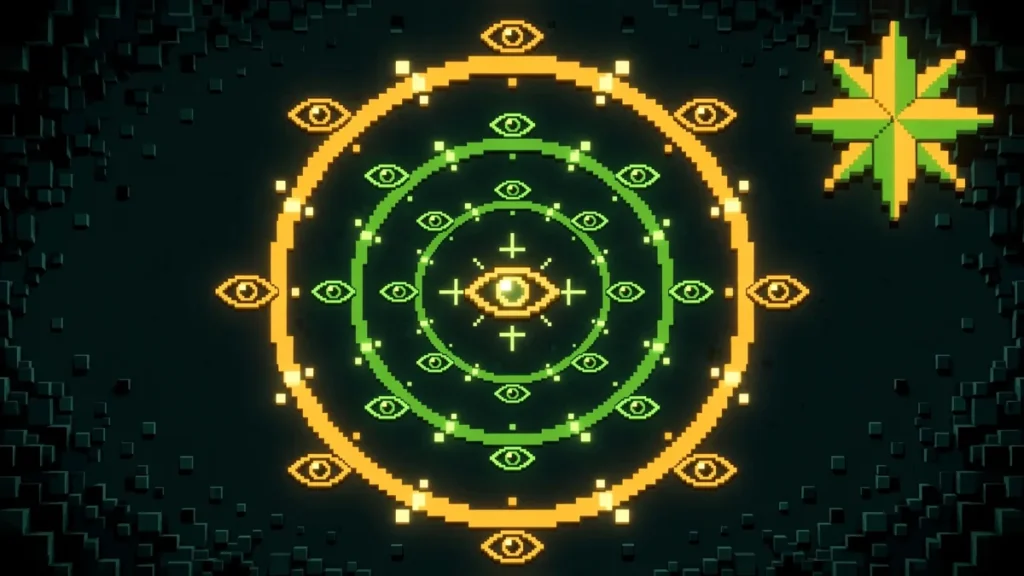
Strongholds don’t spawn randomly — they generate in three concentric rings around world origin (0, 0), and a good Minecraft stronghold finder visualizes all three so you can plan your route.
The first ring holds the closest strongholds, between 1,408 and 2,688 blocks from origin. The second ring sits 4,480–5,760 blocks out, and the third and final ring lands 7,552–8,832 blocks from center. Each ring distributes its strongholds evenly, so there’s always one in every direction.
This matters for strategy. Speedrunners target the nearest first-ring stronghold to minimize travel, while long-term survival players often pick a stronghold with good terrain around it — flat land for a base, or a nearby village. The ring overlay on the map makes this choice visual instead of guesswork.
Minecraft Stronghold Finder for Bedrock
Bedrock players get shortchanged by most finder tools, which run Java math and hope it’s close enough. This Minecraft stronghold finder doesn’t do that — it runs the actual Bedrock world generator, covering all 30 Bedrock versions from Beta 1.7 through 26.60.
Bedrock stronghold generation follows the same ring system as Java, with the same 128-stronghold layout. The tool handles Bedrock’s 32-bit seed handling automatically, so numeric and text seeds both resolve correctly. Slime chunks are also available on the same map — handy since they’re seed-independent on Bedrock and useful for farm planning near your stronghold base.
One rule applies everywhere: always select Bedrock Edition in the version dropdown before searching. A seed’s strongholds sit in completely different places on Bedrock and Java — mixing editions up is the number one reason coordinates “look wrong.”
From Stronghold to End Portal
Finding the stronghold is only half the job. The real prize is the End portal inside it, and the map marks that too — which is why so many players treat this as their end portal finder as well.
Every stronghold contains exactly one portal room with 12 End portal frames. Each frame has a 10% chance of generating pre-filled, so you’ll typically find one or two already lit — bring the rest as Eyes of Ender. Click the stronghold marker, note the coordinates, dig down, and follow the stone-brick corridors until the portal room appears.
Searching for minecraft seeds end portal combinations? Flip to the Find seeds panel, click Add condition, choose Structure → Stronghold, and set a tight radius. The tool searches thousands of seeds and returns ones where a stronghold — and therefore an End portal — sits close to spawn. That’s why this Minecraft stronghold finder doubles as an end portal finder: the classic chunkbase end portal finder workflow, with seed search built in.
Stronghold Finder Tips for Speedrunners
If you’re racing to the End, a Minecraft stronghold finder changes your entire routing:
Start with a stronghold-first seed — Use the Find seeds panel with a Stronghold condition inside 500 blocks. A seed with a close stronghold saves more time than any routing trick.
Pair village and stronghold — The fastest runs loot a village for food and gear, then head straight to the stronghold. Search for seeds with both: add Village and Stronghold conditions to the same search for minecraft seed village and stronghold combos.
Check the terrain, not just the dot — A stronghold under an ocean means a miserable dig. Click through to the full map preview and pick strongholds under land. The biome colors make this obvious in seconds.
Note your version — Speedrun categories are version-specific, and stronghold positions change between versions. Set the exact version (for example, a minecraft 1.21 seeds stronghold search) before you start planning.
Frequently Asked Questions
Straight answers to the most common questions about the Minecraft stronghold finder:
Skip the Eye-Chasing — Find Your Stronghold Now
Every minute spent wandering behind an Eye of Ender is a minute you could spend in the End. Open the Minecraft stronghold finder above, enter your seed, and get exact coordinates for all 128 strongholds on your world — Java or Bedrock, any version from 1.7 to 26.3. Free forever, no download, no account. Hunting for the perfect world instead? Try the Minecraft seed finder or explore everything on the Minecraft seed map.