Minecraft Village Finder – Locate Every Village in Any Seed (Java & Bedrock)
A minecraft village finder turns the riskiest night of any survival run — the first one — into a formality. Enter your seed and every village lights up with coordinates you can reach before sundown.
Villages mean food, beds, loot, and trading. Wandering blind burns daylight — this finder does the walking for you.
What Is a Minecraft Village Finder?
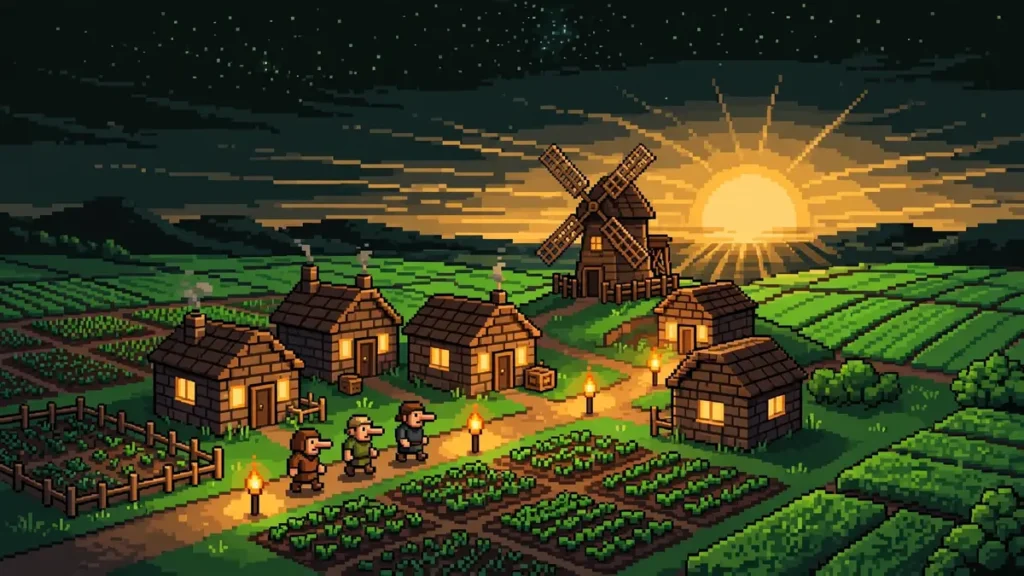
A minecraft village finder — the village locator minecraft players use to scout seeds — reads your world seed and reveals every village location. As a minecraft world seed village finder, it computes where each village sits: plains, desert, savanna, taiga, snowy. This minecraft village seed finder runs in your browser — Java 1.7–26.3 and Bedrock Beta 1.7–26.60 — doubling as a minecraft village seeds java finder. No download, no account. In short: how to find villages in minecraft with seed or how to find village in minecraft using seed — without cheats.
How to Use the Minecraft Village Finder
- Paste your seed — Enter your world seed; the minecraft seed map village finder renders with the village layer on (22 structure layers total).
- Match edition and version — Choose Java or Bedrock and your exact game version.
- Open the seed finder — Click the Find seeds button to open the minecraft seed finder village search.
- Add a village condition — Click Add condition, choose Structure → Village, set the radius (50–3,000 blocks).
- Stack filters — Add a desert temple or cherry grove condition.
- Click Search — Up to 100 matches with exact village coordinates.
- Preview and travel — Click a result to see the village on the full map, copy coordinates, and walk, fly, or
/tpthere.
Villages at Spawn: The Most Searched Setup
Nothing beats starting inside a village. minecraft seeds with villages at spawn, minecraft seeds spawn in village, minecraft seeds village at spawn, and minecraft seeds to spawn in a village (1,600 monthly searches each) share one dream: beds, food, and loot in the first two minutes.
Add a Village condition, drag the radius slider to 200–300 blocks — a village within 100 blocks of spawn is a genuinely special seed. Click Search and browse the full map.
Pro move: combine the village condition with a biome condition — a village at spawn in a cherry grove, or one with a blacksmith (minecraft seeds village at spawn with blacksmith), narrows thousands of seeds to the handful worth playing. Bookmark combinations via the URL. Rather skip searching? Our best Minecraft seeds collection includes hand-picked village-at-spawn worlds.
Minecraft Village Finder for Bedrock
Bedrock village hunting has its quirks; this minecraft village finder handles them with the real Bedrock generator — not an approximation. Full minecraft seed village finder bedrock edition support across all 30 versions. Searched village finder minecraft bedrock? This is it: real generator, exact coordinates.
Two notes. First, Bedrock adds two village biome variants Java lacks — sunflower plains and snowy taiga. Second, the chunkbase village finder bedrock workflow ports straight over, and the chunkbase village finder java flow works the same on desktop. For minecraft village seeds bedrock players: paste the seed on any device.
Console and mobile players benefit most. On phones, this minecraft village finder pocket edition alternative runs in the browser — no install. On PS4, the minecraft village finder ps4 workflow is the same. The village finder xbox one flow is identical.
Where Villages Spawn: Every Biome
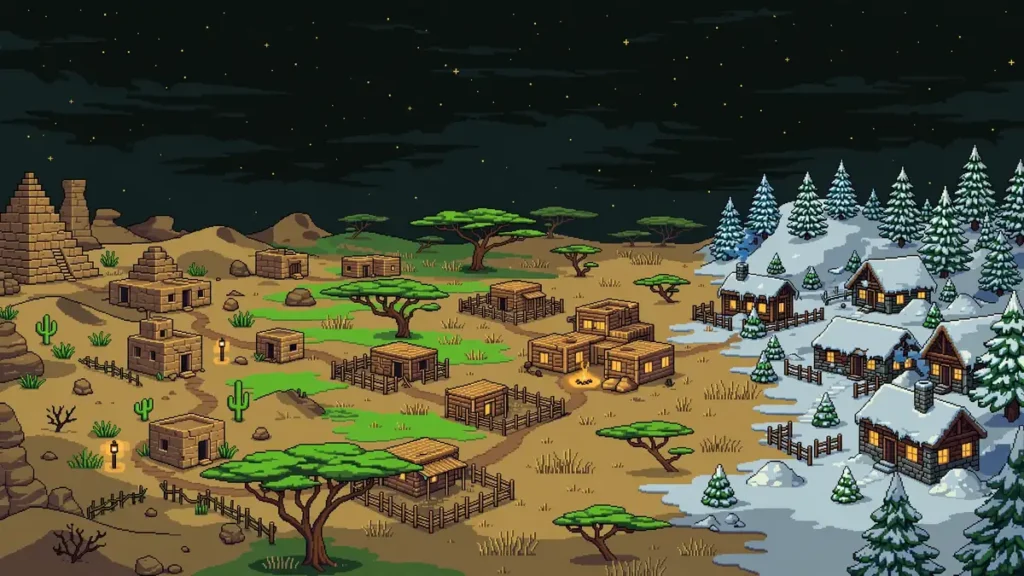
Villages generate in plains (oak houses, most common), desert (sandstone), savanna (acacia), taiga (spruce cabins), and snowy plains — plus Bedrock-exclusive sunflower plains and snowy taiga.
Desert villages (minecraft seeds desert village, 170/month) suit sandstone builders; plains villages (minecraft seeds plains village, 110/month) suit farmers. The favorite is the cherry blossom village (minecraft seeds cherry blossom village, 50/month) — pair the village condition with a cherry grove biome condition to hunt them.
One thing the finder can’t filter: abandoned villages — a minecraft village without villagers — which generate with cobwebs instead (the minecraft seed zombie village queries refer to these). There’s no dedicated minecraft abandoned village finder filter; the map shows all villages, and you’ll spot abandoned ones by their cobwebs.
Village Finder Combos Worth Trying
Village + stronghold — Both within 1,000 blocks (minecraft seed village and stronghold): the speedrunner’s dream.
Village + desert temple — Both nearby (minecraft seed village and desert temple): double early loot.
Village on an island — An island village (minecraft seed village on island): mob-proof at night once lit.
Village near the ocean — Coastal villages (minecraft seed village near ocean): fishing, boat travel, buried treasure.
Underground village — Villages inside caves or ravines (minecraft seed underground village); tight-radius scans surface these.
Multi-village seeds — 3, 4, or 5+ villages near spawn (minecraft seed 3 villages, minecraft seed 4 villages, minecraft seed 5 villages): trading halls and iron farms.
Village + mushroom biome — A village on a mushroom island (mushroom biome village seed, also searched as mushroom island village seed): a trading hub where hostile mobs can’t spawn.
Blacksmith villages — Best loot chests; prioritize minecraft village seed with blacksmith results at spawn.
Village Finder vs the /locate Command
In-game, the minecraft locate structure village command (/locate structure minecraft:village_plains) returns the nearest village — but only with cheats enabled, one village at a time, zero map context. It answers “where’s the closest one” and nothing else.
The minecraft village finder answers the bigger questions: where are all the villages, which is closest to spawn, and what does the terrain look like? Paste a candidate seed before creating the world — and unlike the chunkbase village finder, it discovers new seeds.
For a world you’re already playing without cheats, pasting your seed into the finder is the only practical route to its village coordinates.
Frequently Asked Questions
Your Next World Starts With a Village
Stop rolling random spawns. Paste your seed into the free village finder above — or run a village-at-spawn search and let it hand you worlds worth playing. Then explore the Minecraft seed map, scout biomes with the Minecraft biome finder, or grab a world from best Minecraft seeds. Try the minecraft village finder above — it’s free.