Minecraft Seeds Multiplayer: 8 Best Worlds to Play With Friends
Minecraft seeds multiplayer groups need worlds that are different from solo seeds. When you’re playing with friends – on a Realm, a server, or LAN – you need room for multiple bases, enough villages and structures to share, and a spawn area where nobody gets an unfair head start. A seed that’s perfect solo can be miserable with five players fighting over one village. These 8 minecraft seeds multiplayer picks were chosen for group play: spread-out resources, multiple points of interest, and spawn areas with space for everyone to build.
Try These Seeds in the Seed Map
What Makes a Good Minecraft Seeds Multiplayer World
Not every great seed works for a group. The best minecraft seeds multiplayer groups share these traits:
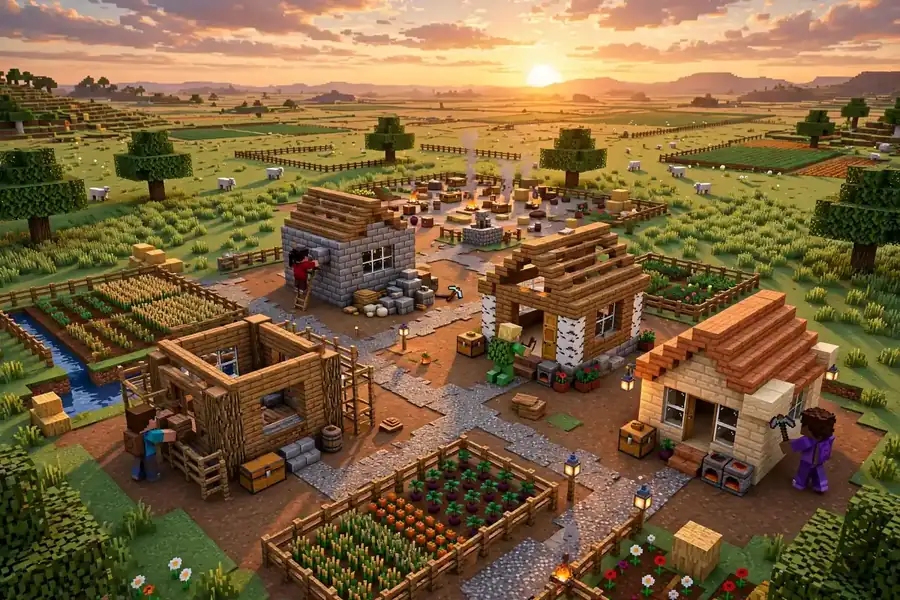
Room to spread out. Each player needs space for a base without crowding. Look for large plains, savannas, or island chains near spawn – not a tiny island or a cramped valley.
Multiple villages and structures. One village for five players means fights over loot and trading. Good minecraft seeds multiplayer picks have two or more villages, or a village plus temples, within reasonable travel distance.
Fair spawn. Everyone should spawn in the same safe area. Seeds where spawn is on a tiny island or next to a pillager outpost create instant inequality.
Diverse biomes nearby. Different players want different projects – farms, mines, builds. A seed with plains, forest, desert, and ocean within a few hundred blocks keeps everyone happy.
Server-friendly performance. Avoid seeds with extreme terrain (massive cave systems at spawn, huge lava lakes) that can lag smaller servers.
The 8 Best Minecraft Seeds Multiplayer Groups Will Love
1. 759733268 – Spawn next to a plains village with a shipwreck visible offshore. The flat plains around spawn fit four or five bases comfortably, and the shipwreck gives the group shared early loot. Village at X 120, Z 80; shipwreck at X 200, Z -150.
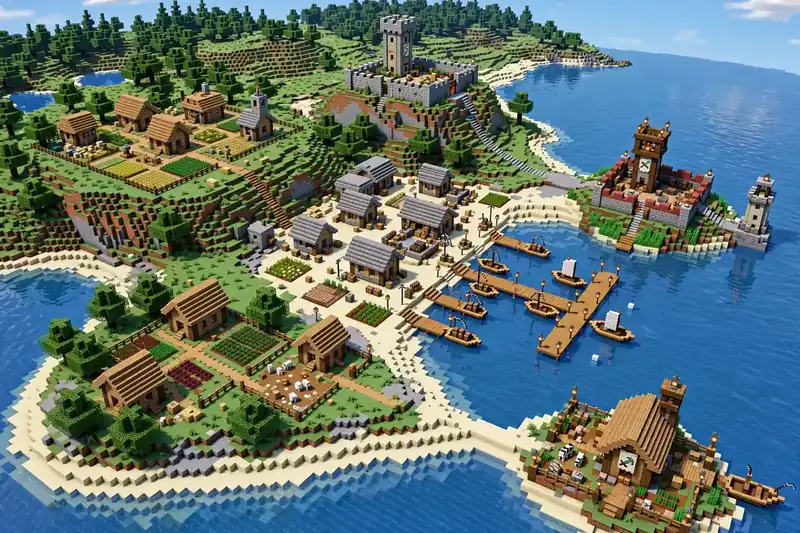
2. -7783854906403730143 – Coastal region with three villages within 500 blocks of spawn. Each player can claim a village as a trading hub while sharing the coastline for a group harbor project. Villages near X 0, Z 0; X 350, Z -200; X -300, Z 250.
3. 3811816932 – Island cluster with two shipwrecks, ocean ruins, and a monument nearby. Made for small groups (2-4 players) who want a cooperative island-survival challenge. Perfect for a two-week minecraft seeds multiplayer server event. Shipwrecks at X 16, Z 96 and X -208, Z 144.
4. -246009129645112791 – Twin-island start: two medium islands 250 blocks apart, each with enough trees and stone for an independent base. Made for pairs or teams who want friendly rivalry without griefing distance. Islands at X 0, Z 0 and X -125, Z -250.
5. 37436171902825252 – Two villages near spawn with ancient cities below – one for the builders on the surface, one for the adventurers underground. The dual structure encourages natural role-splitting in larger groups. Villages near spawn; ancient cities at Y -51.
6. -2098004362385192995 – Twin valleys separated by frozen peaks, each with its own biome (cherry grove vs forest/meadow). A classic minecraft seeds multiplayer setup for two players or teams building rival kingdoms side by side. Valleys at X 58, Z -14; village at X -441, Z 247.
7. 9064150133272194 – Double-village lake surrounded by mountains, built for team events. The natural arena shape suits PvP tournaments, build battles, or cooperative mega-projects with a dramatic backdrop. Villages behind spawn at X -12, Z 35.
8. -4388662201997434623 – Ice spikes colliding with badlands – two rare biomes side by side. Split your group into teams by biome for a natural factions setup. The visual contrast makes for great shared screenshots. Biome border near X 598, Z 391.
How to Set Up a Multiplayer World From a Seed
On a Realm: Create the Realm, then go to World Settings (pencil icon), select Reset World, and enter the seed. All members join the same generated world. That is all it takes to launch a minecraft seeds multiplayer world on a Realm.
On a Java server: Stop the server, set level-seed= in server.properties to your chosen seed, delete the existing world folder, and restart. The world regenerates from the seed.
On LAN: The host creates a single-player world with the seed, then opens to LAN from the pause menu. Friends on the same network join directly.
On Bedrock (console/mobile): Create New World, go to Advanced, enter the seed. Invite friends via Xbox Live or local multiplayer.
Always have every player join with the same game version – a seed generates differently across major updates, and mixed versions cause confusion.
Tips for Fair Multiplayer Starts
Agree on spawn rules. Decide whether the area immediately around spawn is communal or claimed. Marking a 100-block community zone prevents early arguments. Clear spawn rules keep minecraft seeds multiplayer sessions fair and drama-free.
Share the seed map. Before the server goes live, have everyone look at the seed in the seed map tool. Transparency about what’s nearby (villages, temples, strongholds) keeps things fair – no one player secretly knowing where the diamonds are.
Assign roles loosely. In larger groups, natural roles emerge: builders, miners, explorers, farmers. Seeds with diverse nearby biomes (like picks 5 and 8 above) support this better than single-biome seeds.
Protect spawn. On public or semi-public servers, claim and protect the spawn chunks first. Nothing kills a multiplayer world faster than a griefed spawn.