What Is a Minecraft Seed? A Plain-English Explainer
What is a Minecraft seed? It is the single number every world you have ever spawned into started life as – the cliffside village, the desert temple two hills over, the stronghold under a frozen ocean. It is the starting value the game’s world generator uses to build one specific world, and anyone who knows it can recreate that exact world on the same edition and version.
Try These Seeds in the Seed Map
This guide gives you minecraft seed explained in plain language: how the generator turns one number into mountains, oceans, and villages, what seed formats look like, and where Java and Bedrock part ways. Once you understand seeds, tools like the seed map from Minecraft Seed Finder stop feeling like magic and start feeling like a map of a place you already own.
What Is a Minecraft Seed? (The Definition – What Are Minecraft World Seeds)
A Minecraft seed is the input number fed to the game’s procedural generation algorithm. To answer what is a Minecraft seed in the simplest possible terms: it is the recipe for a world, not the world itself. The seed does not store terrain, buildings, or chests. It tells the generator how to rebuild the same terrain, the same villages, and the same strongholds every time, on the same edition and version.
People also ask what are Minecraft world seeds, as if they were something different – they are not. “World seed” is just the fuller name for the same number. The most useful minecraft seed info to remember is what the seed controls and what it does not: it controls terrain, biomes, structures, and spawn, but not your inventory, your builds, or anything you change after the world is created.
How Does Minecraft Seed Generation Work?
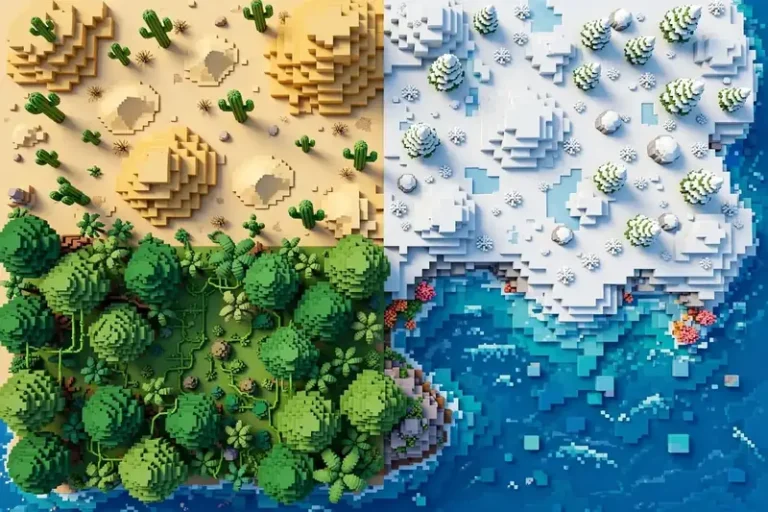
How does Minecraft seed generation work under the hood? The generator feeds the seed into a deterministic random-number sequence – the same input always produces the same sequence – then builds the world in layers. First comes the biome map, shaped by simulated temperature and humidity, which decides where deserts, forests, oceans, and snowy plains sit. Then terrain height, caves, and water. Then structures: villages, temples, strongholds, and the rest are placed by separate checks that also draw on the seed.
That determinism is the heart of it: same input, same world. Ask what is a Minecraft seed at a party of programmers and you will get one word back: deterministic. Because every step is deterministic, the same seed on the same edition and version always produces the same world, block for block, before you touch it. Change the version and the generator’s rules may change, so the same seed can build a different world – which is why sharing a seed without its version is only half the story.
Two practical consequences follow. First, the generator works in chunks – 16×16-block columns that it builds as you explore and then saves – so the world is not all built at once when you create it. Second, the seed only matters at creation: changing the seed setting of an existing world does not rebuild the terrain you have already generated.
Seed Numbers: Length, Letters, and Negatives
Before you type one, it helps to know what is a Minecraft seed made of – digits, letters, or a minus sign. All three are valid, and each behaves a little differently.
How Long Is a Minecraft Seed?
How long is a Minecraft seed? On Java Edition, a seed is a 64-bit number, so it runs from −9,223,372,036,854,775,808 to 9,223,372,036,854,775,807. That answers how many digits is a Minecraft seed on Java: up to 19 digits, plus a minus sign when negative. On Bedrock, seeds are 32-bit, from −2,147,483,648 to 2,147,483,647 – up to 10 digits. And how big is a Minecraft seed in practical terms? Big enough that typing a random 10-digit number on Java still leaves you nowhere near the edge of the range.
Can Minecraft Seeds Have Letters?
Yes. Can Minecraft seeds have letters and still work? Type a word like “village” into the seed field and the game converts the text into a number before generating. Words are just a friendlier way of picking a number – the world that results is identical to the world produced by the converted number. Short words, long phrases, and mixed letters and numbers all work.
Can Minecraft Seeds Be Negative?
Yes – can Minecraft seeds be negative is one of the most common confusions, and the answer is that roughly half of all possible Java seeds are negative. A negative seed is not broken, glitched, or special. It is simply a seed whose number falls below zero, and it generates a world exactly like any positive seed does. When you copy one, keep the minus sign and leave out spaces: dropping the minus turns it into a completely different seed.
How to Make Minecraft Seeds
Once you know what is a Minecraft seed, making one takes ten seconds:
- From the main menu, choose Singleplayer, then Create New World.
- Open More World Options (Java) or scroll to the seed field (Bedrock).
- Type a number or a word into the Seed field – or leave it blank for a random seed.
- Create the world and press F3 (Java) or check settings (Bedrock) to confirm the seed it used.
That is how to make minecraft seeds in ten seconds: type, create, play.
Want a world with specific features instead of a random one? The seed finder searches millions of seeds for your wishlist – say, a village at spawn next to a cherry grove – instead of leaving it to chance.
Are Minecraft Seeds the Same on Bedrock and Java?
No. Are Minecraft seeds the same on Bedrock and Java if you type the same number into both? The game accepts the number either way, but each edition runs a different generator, so the same seed builds two completely different worlds. That also answers do Bedrock seeds work on Java: the number works – it generates a world – but it will not reproduce your Bedrock world. Same seed, same edition, same version: same world. Change any of the three and all bets are off.
Do Minecraft Seeds Work With Mods?
Do Minecraft seeds work with mods? Usually yes, with one caveat. Mods that only add items, mobs, or mechanics leave terrain generation alone, so the same seed builds the same landscape. Mods that add biomes, ores, or structures change the generator’s rules, so the same seed produces a different world with those mods installed. So when players ask what is a Minecraft seed in a modded game, the honest answer is: the same number, different rules. If you share a modded seed, share the mod list and versions too, or nobody will reproduce your world.
Does Every Minecraft Seed Have Every Biome?
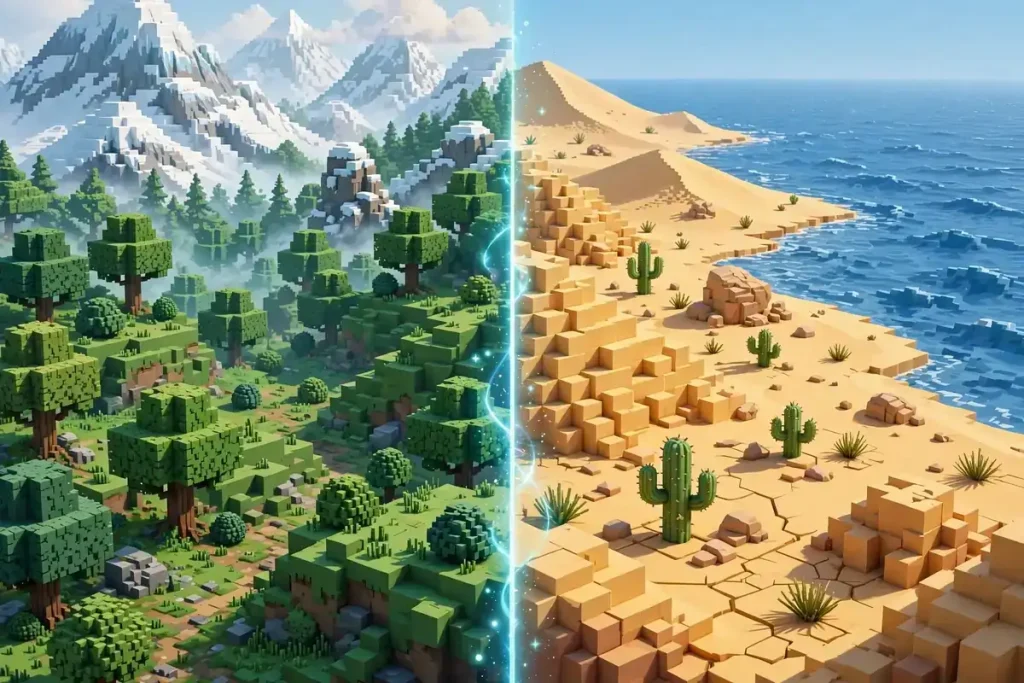
Does every Minecraft seed have every biome? In modern infinite worlds, effectively yes – every biome exists somewhere in each world, because the biome map has no edge. This is the practical side of what is a Minecraft seed: the number guarantees the biome exists, not that it is close. The rarest biomes can sit tens of thousands of blocks from spawn. In older limited-size worlds, some biomes may genuinely never appear. If you need a specific biome fast, skip the hiking and use the biome finder to see exactly where it sits in your seed.
Where Is the Seed in Minecraft?
Where is the seed in Minecraft once a world exists? It is stored with the world itself: Java players can reveal it with /seed (cheats or operator status required), and Bedrock players can read it in the world’s settings under Game. Knowing what is a Minecraft seed also means knowing where the game keeps it. Our full walkthrough covers every case – Java, Bedrock, servers, and Realms – in the guide on how to find your Minecraft seed.
Are Minecraft Seeds Infinite?
Are Minecraft seeds infinite? No – the count is finite, but so large that “infinite” is a fair description of how it feels. Java alone has over 18 quintillion possible seeds, and you will never come close to exhausting them. That is the scale behind what is a Minecraft seed: finite on paper, endless in practice. The full counting is its own rabbit hole; see how many Minecraft seeds there are for the exact numbers.
Ways to Get a Seed, Compared
Every row below answers what is a Minecraft seed the same way – the method changes, the number does not.
| Method | What you get | Best for |
|---|---|---|
| Leave the field blank | A random seed | A surprise world |
| Type a number | A reproducible, exact world | Sharing and speedrunning |
| Type a word | A memorable seed | Sharing with friends |
| Copy a seed from a site or friend | A proven world | Known villages, structures, biomes |
| Use the seed finder | A world matching your wishlist | Starting a serious survival world |
Whatever method you pick, what is a Minecraft seed stays the same: one number, one world, per edition and version. Pick your method, generate, then drop the seed into the seed map from Minecraft Seed Finder to see the world before you ever spawn in it.
One question this page does not answer directly is what is a good seed for minecraft – because there is no single answer. What is the best minecraft seed depends on what you want from the world: if you ask what is the best seed for survival, look for a village, food, and shelter near spawn, and if you play on console or mobile, what is the best seed for minecraft bedrock is the same question asked about Bedrock-tested seeds. For ready-made answers, the best Minecraft seeds hub lists tested worlds by theme.
So, what is a Minecraft seed, in one sentence? It is the starting number that decides exactly which world the generator builds – learn it, share it with its version, and no world ever has to be a mystery again.
Final Thoughts
People also ask what are minecraft world seeds, as if they were something different – they are not; it is the same number. That is the minecraft seed info that actually matters: one number, one edition, one version, and the world follows.
So what is a Minecraft seed, in the end? A starting number you can share, search, and build on. Drop any seed into the seed map to see its world before you spawn, find a world worth playing with the seed finder, or keep learning in the guides hub.